Sample packs are how I pay my bills, and no packs get asked about more than trap melodies. So this is my honest, current take on trap melody loops: picking them, writing your own, and using them without ending up sounding like every other producer on the timeline.
First, the definition. A trap melody loop is a musical phrase of 4 or 8 bars (a dark piano, bell, pluck or pad line, usually) that repeats cleanly and holds the entire beat up. The rhythm belongs to the drums and 808s, but the loop is the part people hum back at you.
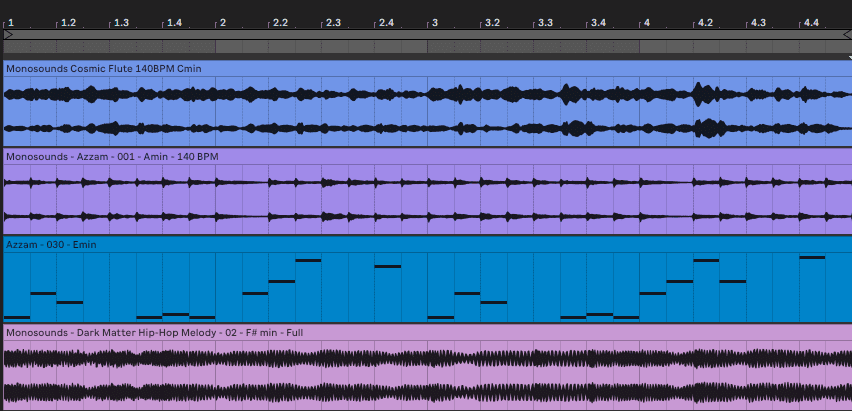
Since I originally wrote this, one thing has shifted in a big way: Serum 2 now produces most of my melodic sounds. Xfer released it in March 2025 as a free upgrade for Serum 1 owners, and between three oscillators, the granular and spectral engines, and a built-in sequencer, it’s become a legitimately great melody machine rather than just a bass synth. If it’s new territory for you, my Serum 2 beginner guide is the place to begin.
Finding the Right Trap Melody Loops
Auditioning loops for a beat, I run through three checks, always in this order: mood, key, and space.
Mood seems obvious, and people still skip it. An aggressive bell-stab loop has no business in a laid-back beat around 130 BPM. Put the loop next to your reference track and ask yourself: would these two live on the same album?
Key matters because an 808 is coming later, and retuning a heavily processed melody loop almost never comes out clean. Trap overwhelmingly lives in minor keys; A minor, C minor and F minor show up constantly. Decent packs print the key and BPM right in the file name, so match before committing.
Space is the one that sneaks up on you. When a loop arrives already crammed with countermelodies, arps and pads, there’s nowhere left for a vocal to sit. If placements are the goal, emptier tends to win.
Here’s the sort of dark, aggressive loop I’m talking about; this one comes from our 21 Savage inspired pack:
Chasing something emotional rather than menacing? Emotive Trap Premium MIDI & Loops would be my pick, since every loop comes with its MIDI, meaning you can swap sounds while keeping the writing. Quality really does matter here too: a loop that clicks at the loop point or carries a muddy low end will sink your whole mix, however good the drums are.
Making Your Own Trap Melody Loops
Ready-made loops buy you time, but writing your own is how a recognizable sound develops. This is my real process in FL Studio or Ableton:
- Choose a single lead instrument to start: dark piano, bell, pluck or a Serum 2 patch. Five layers on day one is a trap of its own.

- Dial the tempo to 140–160 BPM and settle on a minor scale. Natural minor is the safe bet; harmonic minor or Phrygian darkens things instantly. Write 4 bars, then vary the final bar to stretch it to 8.

- Test the loop point. Leave it on repeat for a solid minute; any bump going from bar 8 back into bar 1 means fixing the last note lengths or slipping in a small fill.
- Only once the lead stands on its own, add support: an octave-down layer, a counter line tucked into the gaps, perhaps a pad. Then drums plus an 808 tracing the root notes. My Serum 2 808 guide explains how I make those knock without stepping on the melody.

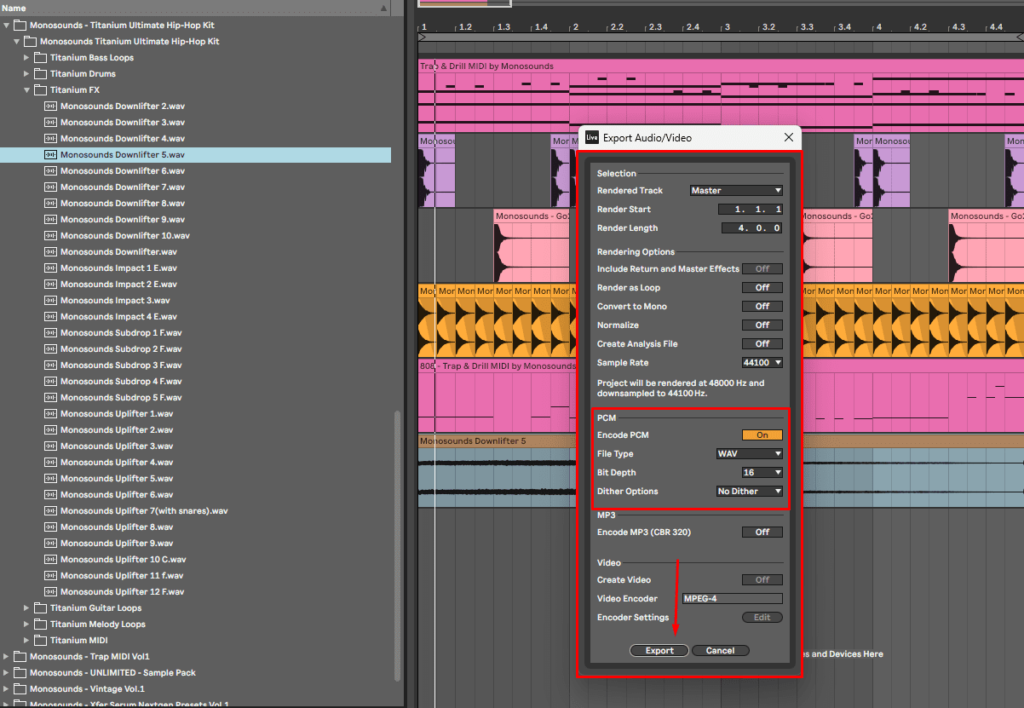
- Export a WAV and the MIDI both. Somewhere down the line you’ll want that melody re-voiced through a different patch.

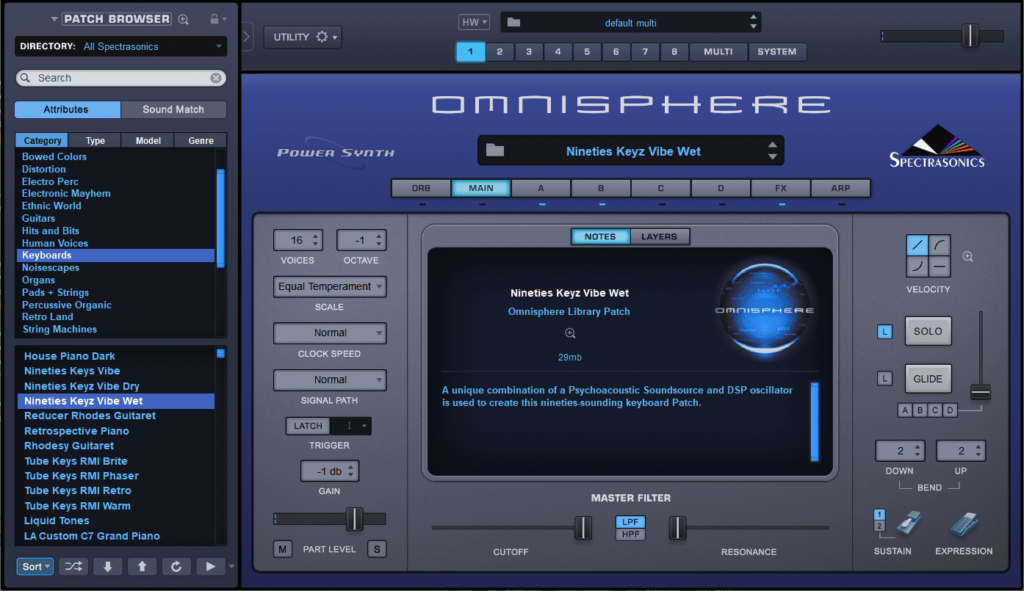
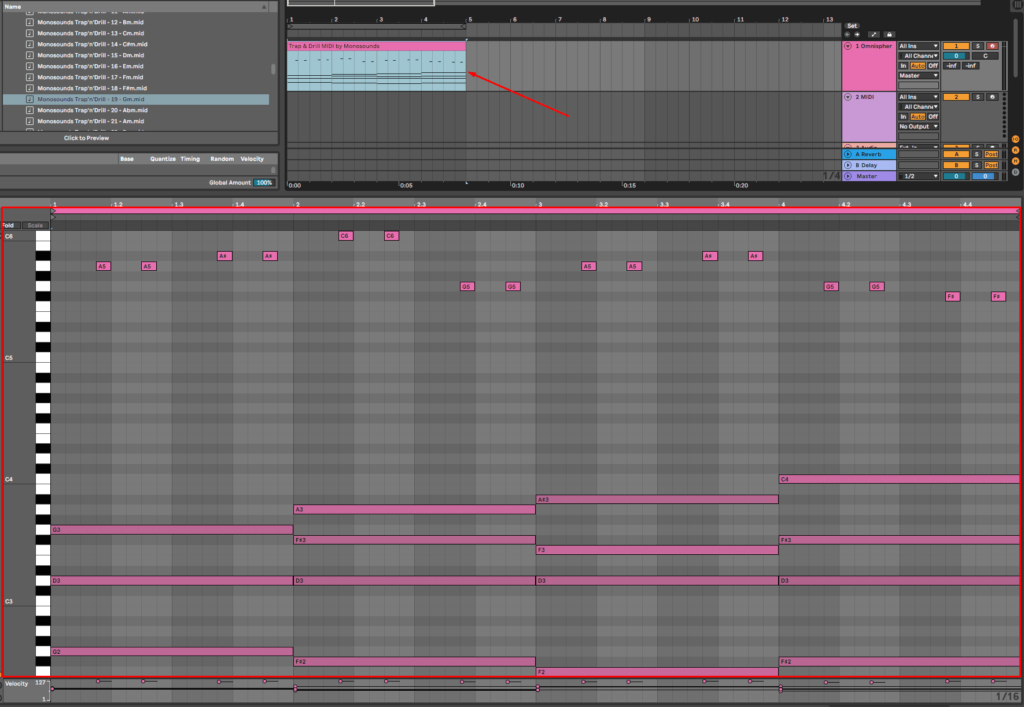
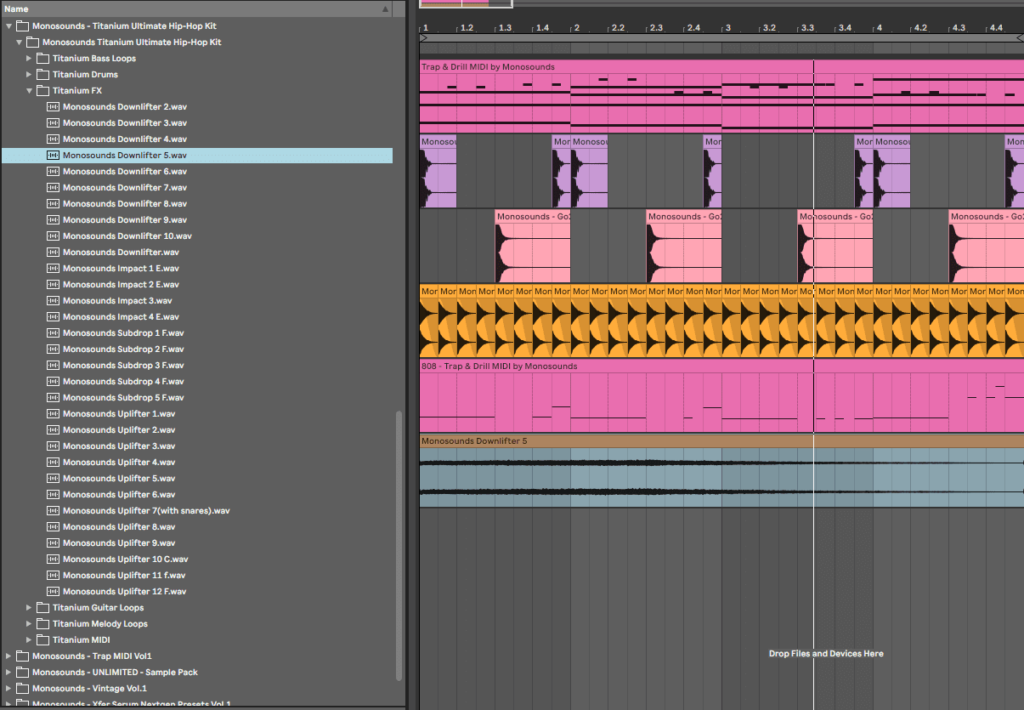
Some things that take the stiffness out of a melody:
- Drag a few notes just off the grid, or apply 10–20% swing. A trap melody quantized to perfection sounds like a ringtone.

- Vary velocity. Hold most notes near 90–100 and let passing notes fall to 60–70.

- Reach for an arpeggiator when nothing’s coming. Serum 2 ships a proper arp and clip sequencer these days, and I documented my approach in the arpeggiator and sequencer guide.
- Steal rhythm, not notes. Borrow the rhythmic pattern from a melody you love, then pour your own pitches into it.
- Leave silence. The vocal and the 808 slides need those gaps to live in.
Working with Trap MIDI
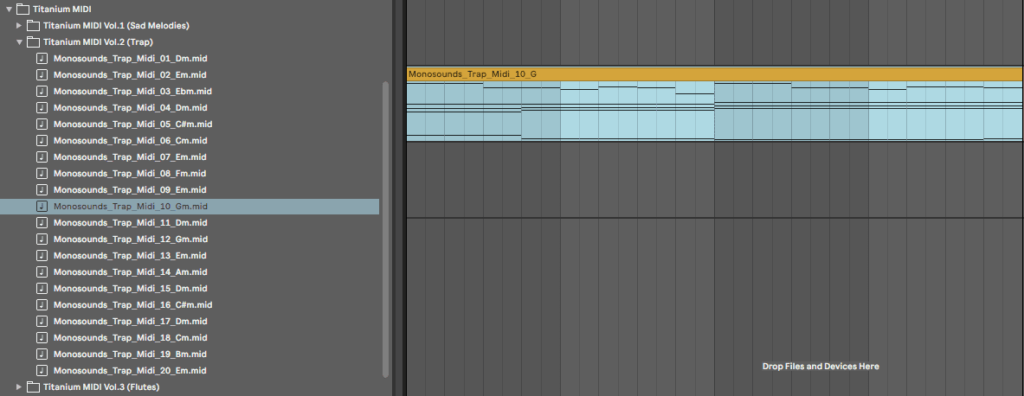
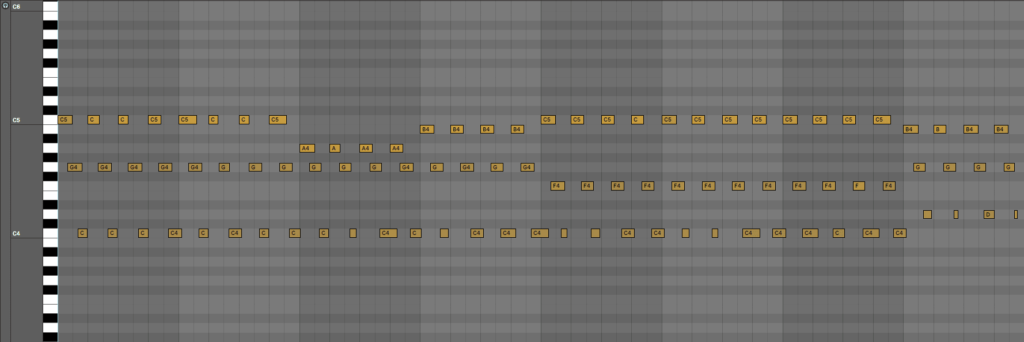
MIDI packs occupy the middle ground: the writing arrives finished while the sound stays entirely yours. A MIDI file is nothing but note data (pitches, lengths, velocities), so one melody can become a music box, a distorted guitar or a granular pad depending on what you drop it onto.
How I work with them:
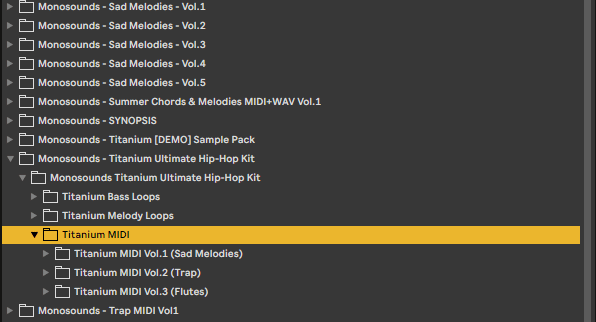
- Choose a MIDI pack matching the mood you’re chasing. Our Trap MIDI Vol.1 is the no-frills option; Hidden Gems leans toward specific artist flavors.

- Pull the MIDI into your DAW and put an instrument on the track. Short on sounds? The free Serum 2 presets pack carries more dark keys and bells than you’ll need to get going.

- Make it yours: shift it into your key, cut a few notes, move one phrase up or down an octave, adjust velocities. Ten minutes of edits and nobody on earth traces it back to the pack.

- Process it: short reverb, an eighth-note delay sitting at 20–30% wet, a touch of saturation, and a high-pass around 100–150 Hz to keep the melody clear of the 808’s lane.

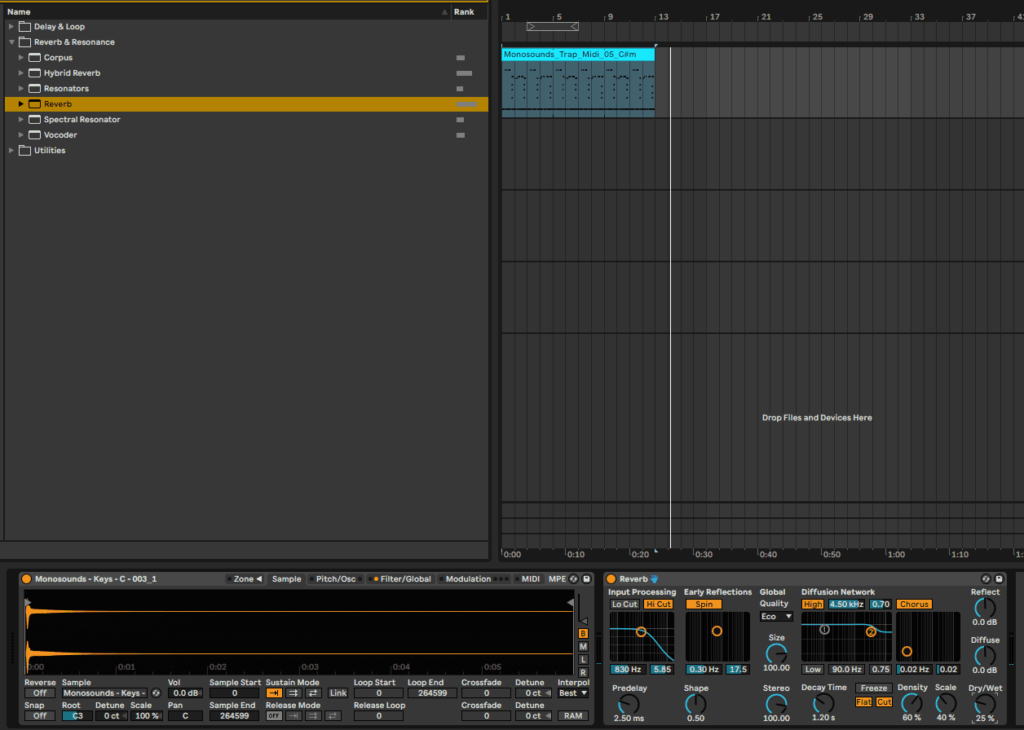
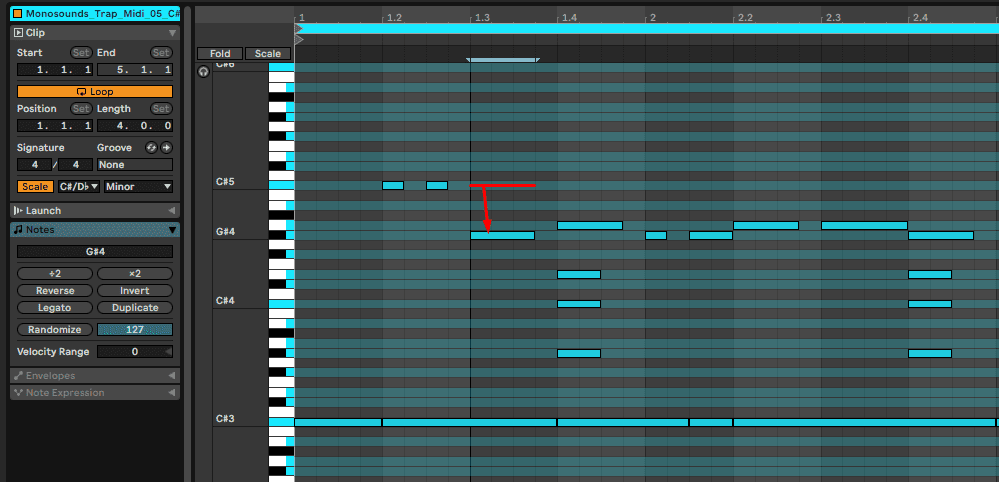

One MIDI file plus one good piano patch can get you results like this:
Using Serum 2 as the sound source and the presets aren’t where they should be? Here’s how to install them properly, a two-minute job that spares you a lot of head-scratching.
Chopping Trap Loops and Samples
Route number three is going straight at the audio: taking a melody loop or one-shots and flipping them into something that didn’t exist before. It’s the closest thing to classic sampling, only with cleared, royalty-free material.
- Get a pack that includes full loops and stems. Something like Titanium hands you the mixed loop plus each individual layer, and chopping gets far easier with both.

- Bring the loop into your DAW and slice at the interesting moments, not only the downbeats. Shuffle the slices around, flip one backwards, send another up an octave.

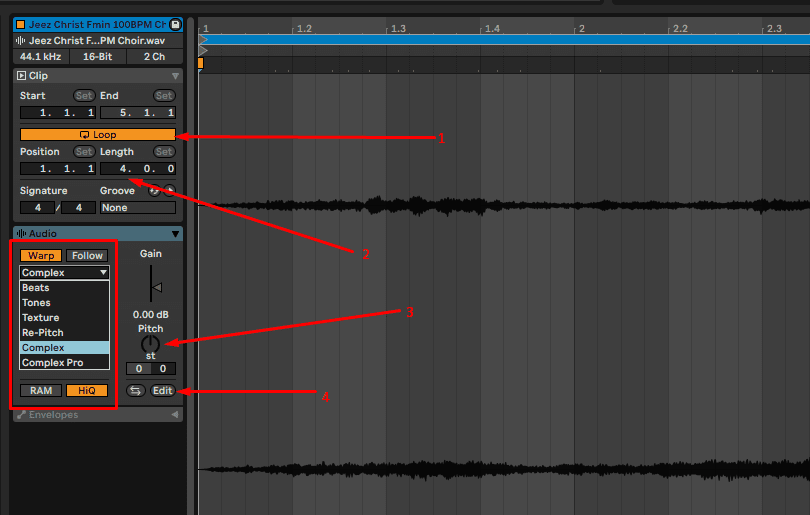
- Retune and warp until it feels right. In Ableton, experiment with warp modes: Complex Pro suits full loops, Texture produces strange ambient results. Pitch moves of ±2 semitones usually survive intact; ±7 crosses into creative-effect territory, which is sometimes exactly what you want.

- Build the beat back up around your flip: drums, an 808 following the new roots, transitions.
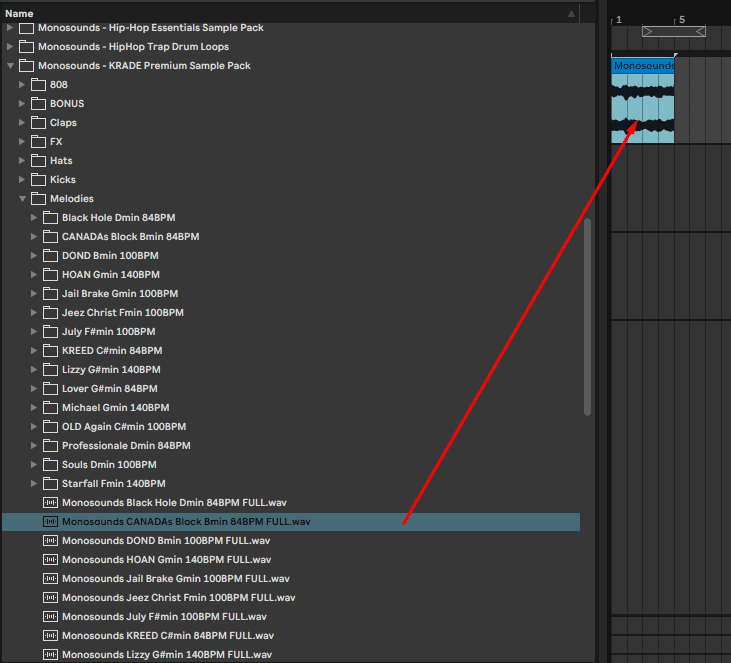
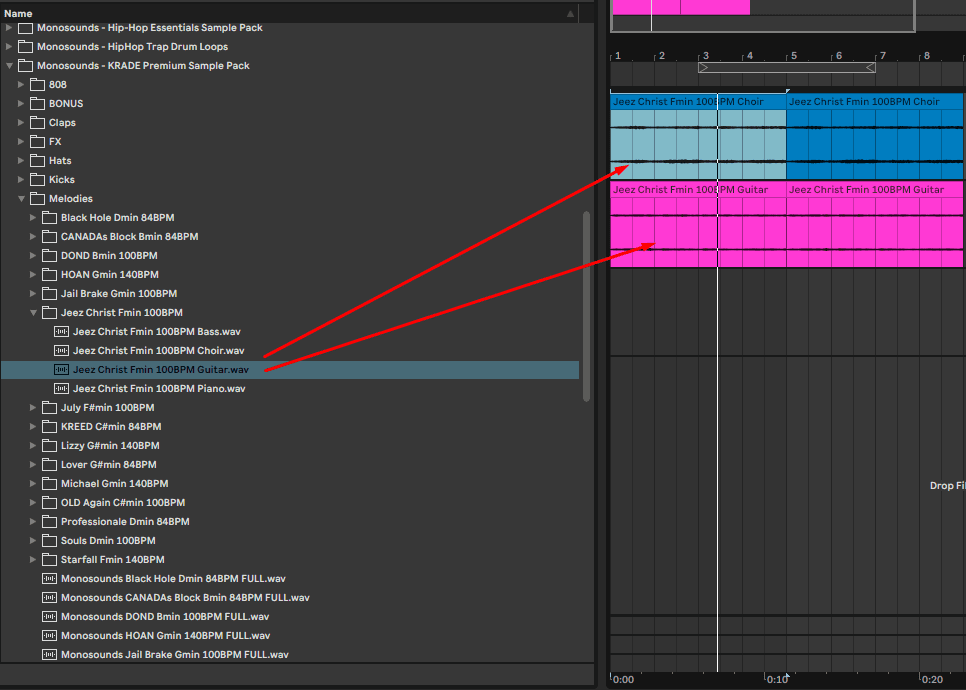
For a deep library to practice flips on, the Trap & Drill Bundle Vol.1 delivers more material per dollar than anything else we sell. Prefer synthesizing your chop fodder? Serum 2’s granular engine exists for precisely this; my granular tutorial shows how any sample becomes evolving melodic material.
Tips That Actually Help You Get Placements
The first version of this post listed 20 generic tips. These are the ones that genuinely moved the needle, for me and for the producers I work with:
- Finish more, polish less. Ten completed loops will teach you more than one endlessly tweaked beat.
- Learn only as much theory as it takes to know your minor scales plus three or four progressions. That handles 90% of trap.
- Use reference tracks. A/B against a commercial release at matched volume and be brutally honest about the distance.
- Automate something every 4 bars: filter cutoff, a reverb send, an octave jump. A static loop is dead after the first hook.
- Cap melody layers at two: one carries body, one carries character. Anything beyond that turns to mush.
- Mix as you go: high-pass the melodies, hold the 808 mono under 100 Hz, leave headroom.
- Send artists loops in their key and BPM range. Doing the homework shows, every time.
- Be consistent. A beat a week for a year outperforms a month of grinding followed by nothing.
FAQ: Trap Melody Loops
Are trap melody loops royalty-free?
Buy from a legitimate store and the loop comes with a license covering use in your releases with no per-copy payments. Everything we sell works that way. What the license won’t allow: reselling the loop untouched or bundling it into a sample pack of your own. Give the license one skim. Two minutes, done.
What BPM and key should trap melodies be in?
Modern trap mostly falls between 130 and 160 BPM, with the sweet spot at 140–150. Minor keys rule the genre; A minor, C minor, D minor and F minor account for most of the charts. And since the drums run half-time, a melody can feel slow even at 150 BPM. Trust the groove over the number.
Is using melody loops cheating?
No. Records chart every single week built on loops, splices and MIDI packs. The craft lives in selection, arrangement, drums and mixing. One warning though: if drag-and-dropping full loops is all you ever do, you will plateau. Edit them, re-voice the MIDI, chop the audio, make the result yours.
Should I buy loops, MIDI or presets?
Loops get you moving fastest, MIDI hands you the writing to pair with your own sounds, presets hand you the sounds to pair with your own writing. Already own a synth like Serum 2? MIDI plus presets is the most flexible pairing. Total beginner? Start with loops and reverse-engineer what makes them work.
One final thing: to test the preset route without spending a cent, download our free Serum 2 presets: 271 sounds, including plenty of dark keys and plucks that fit trap melodies right out of the box. Load one, drop a MIDI file on top, and ten minutes later the loop is yours.

I run Monosounds.studio and make the packs myself. Ten-plus years of producing, 97+ releases, 16,000+ downloads. Every Serum 2 preset we ship passes a CPU check on a mid-range laptop and gets used in a real track before release. If it does not survive a mix, it does not go in the pack.
More about Maxim & the studio →

