
In 2023 we borrowed a real Minimoog Model D for a weekend, sampled it top to bottom, and put the recordings out as a sample pack. Three years on, it remains near the top of our download stats. This is the refreshed 2026 version of the post. The free sounds haven’t changed, but there are some new tricks for using them that simply didn’t exist back then.
Here’s the deal in one paragraph: 100+ royalty-free one-shots (basses, leads, keys and strange FX) captured directly from analog hardware. The pack lives here: 100+ Minimoog Model D Samples Vol.1. Free, no strings attached.
Why Moog sounds still matter
Records have been built on Moog synthesizers ever since Robert Moog wired up his first modular systems in the 1960s. Pink Floyd, Kraftwerk, Stevie Wonder, Parliament: run down the list of classic Moog users and you’re basically reading the story of modern music.
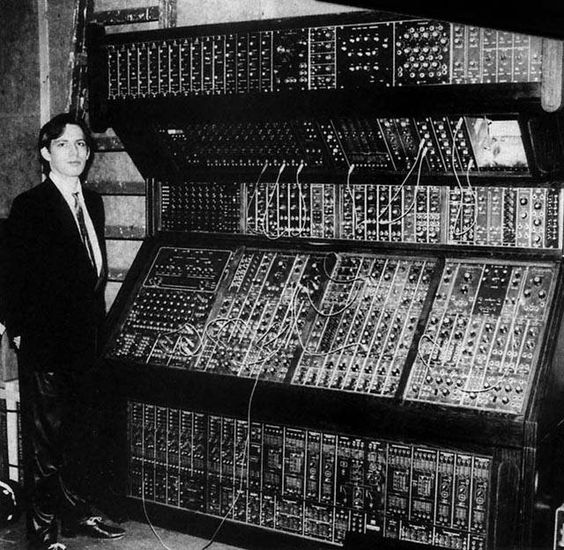
A Moog modular system in the studio, early 1970s.
The magic comes down to physics, mostly. Because the oscillators are analog circuits, they never stay perfectly in tune with each other, and that slight drift is the “warmth” people keep chasing. Then there’s the legendary 24 dB/octave ladder filter, which saturates musically as you crank the resonance. That’s the reason a Moog bass carries so much weight in a mix.
Soft synths today come impressively close. Sampling the actual hardware just removes the guesswork entirely: drift, filter character, analog noise floor, all of it already captured in the recording.
What’s inside the pack
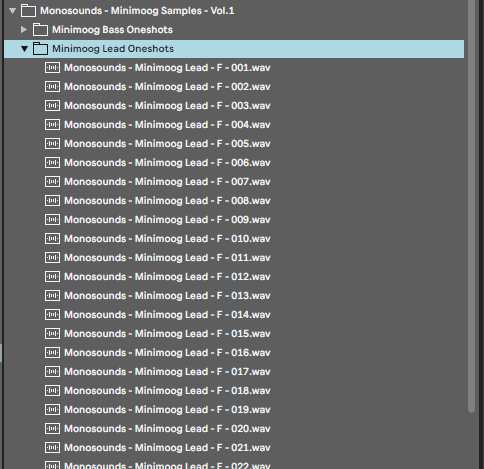
Each one-shot came off a Minimoog Model D. Three oscillators, ladder filter, zero presets, every patch dialed in by hand. The contents:
- Bass one-shots: tight subs, snarling reese-style tones and mid-range basses with punch, all labeled by key.
- Lead one-shots: everything from gentle, flute-like tones to nasty detuned ones.
- Keys and plucks: short sounds that chop nicely or play well chromatically.
- FX: self-oscillating filter sweeps, pitch dives and assorted happy accidents.
All of it is royalty-free WAV with sensible names, so nothing takes long to find. Here’s one of the bass shots so you can judge for yourself:

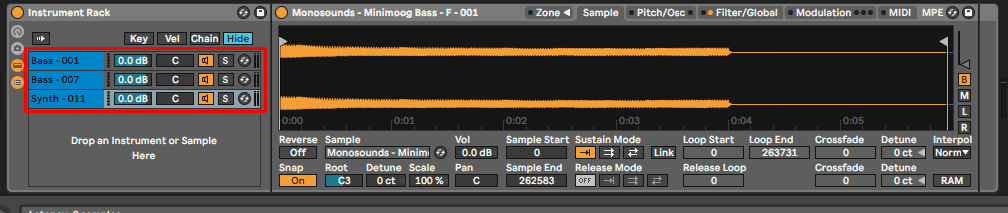
What’s a one-shot? A single recorded note, nothing more. Load it into any sampler (Simpler in Ableton, FL Studio’s channel sampler, Kontakt, take your pick) and suddenly it plays chromatically like an instrument. That’s the advantage over loops: the part you write is yours.
Moog synths worth knowing in 2026
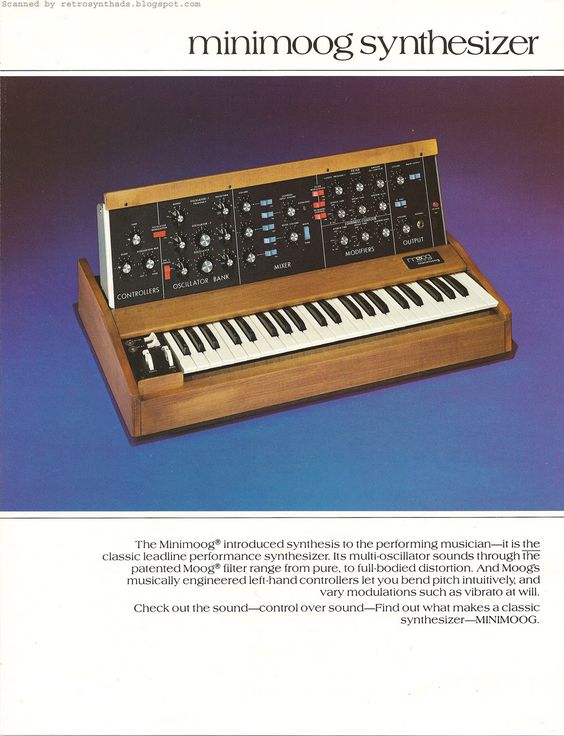
The catalog looks very different from when this post first went up. inMusic acquired Moog in 2023, and several classics have since been discontinued. The current shortlist:
- Minimoog Model D: the reissue of the original. Three oscillators, ladder filter, mono. Also the exact synth behind our pack.
- Matriarch: semi-modular, paraphonic up to 4 notes, stereo analog delay on board. Built for evolving patches and the kind of patching accident that becomes a song.
- Subsequent 37: what the Sub 37 grew into. A dependable mono workhorse for bass and lead duties.
- Grandmother: semi-modular, with an actual spring reverb tank inside. Pound for pound the most fun in the current lineup, if you ask me.
- Muse: the 8-voice poly flagship from 2024, packing two oscillators per voice and a separate modulation oscillator on top.
Do you need to own any of this to make records? Not at all. Which is really the whole point of the pack: the analog sound, minus the analog invoice.
Five ways to use Moog one-shots in your tracks
We kept the recordings dry and untouched on purpose, so they respond well to processing. My go-to moves:
- Layer for width and weight. Sit a clean Moog sub underneath a brighter top layer. Then high-pass that top layer around 150–200 Hz to stop the two colliding, and force everything under 100 Hz to mono.

- Push them through effects. On leads, a dotted-eighth delay around 20–30% wet works nicely; on bass shots, gentle saturation before the compressor. Want the movement of the original hardware back? Load a ladder-style filter plugin and sweep the cutoff with a slow LFO, and the static-sample feel disappears.

- Repitch and repurpose. Take a bass one-shot up an octave: instant thick lead. Take a lead down 12 semitones and stretch it: instant texture. Inside a sampler this costs you ten seconds, so start with the “wrong” use on purpose.

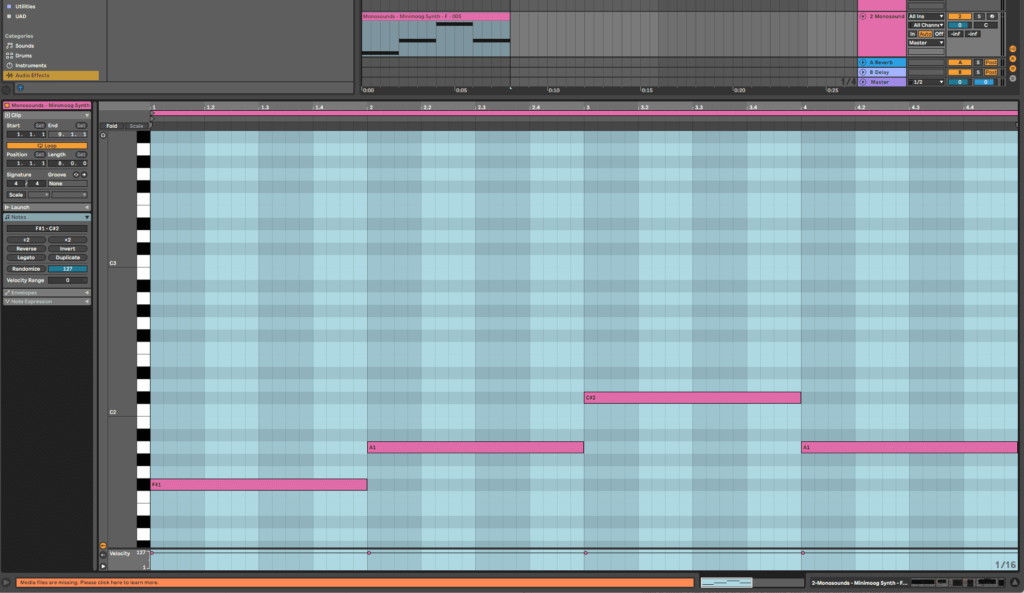
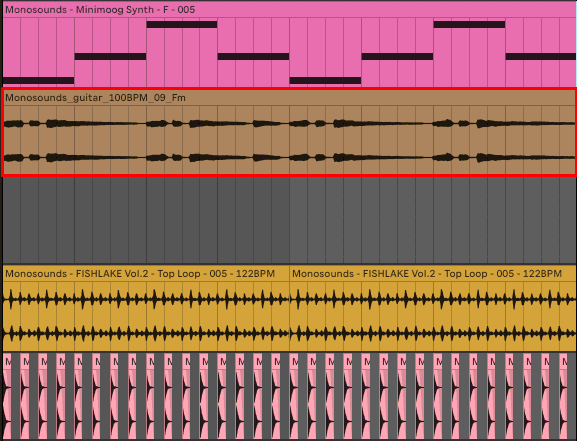
- Blend with acoustic elements. There’s a reason Moog bass under piano or guitar is such an old trick: the analog low end sits exactly in the space acoustic instruments don’t cover.

- Feed them into Serum 2. Couldn’t do this when the post first went live. Since the March 2025 update (free for Serum 1 owners), Serum carries three oscillators and multiple engine types, granular and spectral among them. Drop any Moog one-shot into the Sample or Granular oscillator and the static recording turns into a playable patch you can modulate. Exact steps are in my Serum 2 granular tutorial, and if you want to push further you can also turn samples into custom wavetables.

One caution though: a track built entirely from one-shots will sound like it. Treat them as an ingredient. Mix them in with your own drums, melodies and sound design so the finished thing sounds like you rather than a sample pack.
More analog sounds from us
Got some mileage out of the Minimoog pack? We’ve put other hardware through the same process:
- Moog Matriarch Samples Vol.2: stereo, semi-modular, considerably weirder. More motion baked in than the Model D pack has.
- Analog Collection — Virus Ti One Shot Samples: virtual-analog on paper, but the Virus brings its own personality, particularly on leads.
Serum 2 user? Our free Serum 2 presets pack hands you 271 sounds spanning bass, leads, keys and pads, which is the fastest way to hear the new engines in action. On the fence about updating at all? My honest Serum 1 vs Serum 2 comparison should settle it.
FAQ: Moog samples
Are these Moog samples really royalty-free?
They are. Commercial releases, beats you sell, sync placements: all fine, no credit required. The one restriction is that you can’t repackage and resell the samples themselves.
What do I need to play the one-shots?
Just a sampler, and every major DAW includes one: Ableton Live has Simpler and Sampler, FL Studio has its channel sampler, Logic has Quick Sampler. Drag the WAV in and it maps itself across your keyboard.
Can I use these samples in Serum 2?
Yes, and honestly it’s my preferred way to run them. The Sample and Granular engines in Serum 2 take any WAV. Pull a one-shot in, give it filter movement and effects, save the result as a preset. The granular tutorial linked earlier covers the whole process step by step.
Do sampled Moog sounds lose anything compared to the hardware?
On single notes, barely: a clean recording is a perfect snapshot of what the synth did in that moment. What goes missing is the real-time side. Filter rides, hands-on tweaking, drift across long held notes. Resample and modulate the shots in your DAW or inside Serum 2 and you recover most of it.
And that’s the 2026 update. Grab the Minimoog pack, and if you’re hungry for more free sounds, the free Serum 2 presets sit right beside it. Make something good.

I run Monosounds.studio and make the packs myself. Ten-plus years of producing, 97+ releases, 16,000+ downloads. Every Serum 2 preset we ship passes a CPU check on a mid-range laptop and gets used in a real track before release. If it does not survive a mix, it does not go in the pack.
More about Maxim & the studio →

