Peak Time Techno is what 1am sounds like: a relentless kick, a bass welded to the offbeat, a lead that arrives like a light switch getting flipped. This music exists for big rooms and loud PAs, which keeps the palette narrow, but every sound in that palette has to be huge.
Reference points: Adam Beyer, UMEK, Space 92. Tempo runs 130–136 BPM. The arrangements stay simple by design; the real work goes into sound design and into deciding exactly when each part enters.
Here’s how I build the four sounds that carry a peak time record in Serum 2, and the mix decisions that make them survive a club rig.
Start with the free pack
Grab the Free Serum 2 Peak Time Techno Presets: 7 synths, 4 leads, 3 basses and 1 extra, all royalty-free, every patch with its own audio demo. Unzip into Serum 2’s user preset folder and rescan.
This pack is for you if your drums are already decent and what’s missing is the stuff on top. Each patch has macros mapped to ranges that actually make sense, so you can drive a sound harder or ease it off without touching the mod matrix. New to loading user presets? The install walkthrough takes about a minute.
The sound, part by part
Offbeat bass
Begin with a single saw or a plain analogue-flavoured wavetable. One oscillator, unison 1 or 2, detune below 5. Peak time bass stays mono and tight. Down here, width is your enemy.
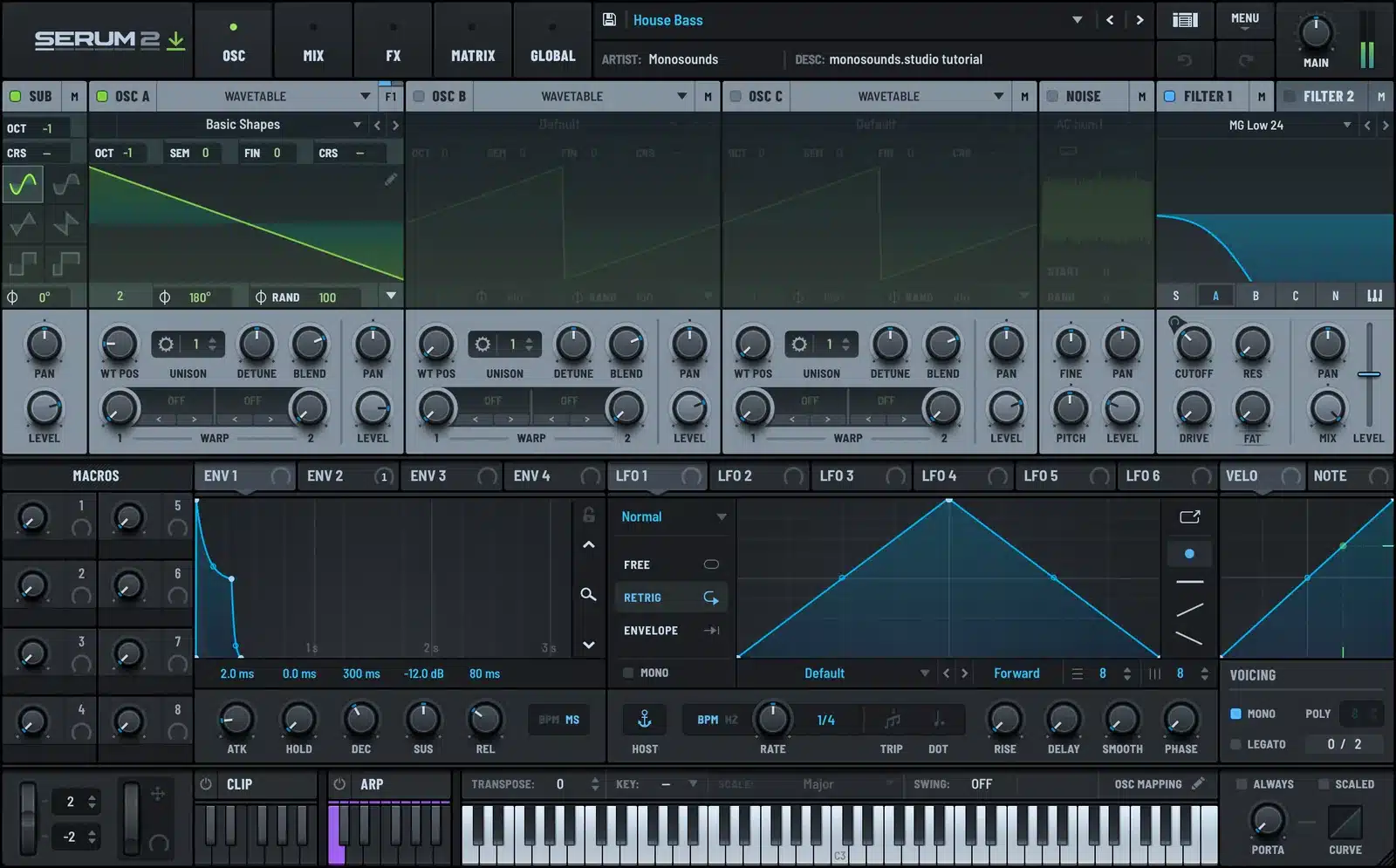
Slap a lowpass on it and keep the cutoff dark; most of the character sits under 300 Hz. Then send a snappy envelope to cutoff: attack 0, decay in the 120–200 ms range, sustain low. That gives every offbeat note its pluck up front while the tail dies before the next kick lands.
The real secret is note length. Program eighth notes on the offbeat, then trim each one down to about 60–70 percent of the grid. A touch of drive in the FX rack, top end rolled off after it, and you’re there. Curious what each filter model does to that low end? The filter guide walks through them one at a time.
Stabs
Stabs are the genre’s aggression. Saw oscillator, second oscillator a fifth or octave above, both into a bandpass with resonance pushed to around 40 percent. Envelope to cutoff again, only quicker this time: decay near 80 ms.
Then get things moving. A slow LFO on cutoff plus a little on wavetable position stops the stab from sounding identical hit after hit. For chords, stick to minor triads or plain root-and-fifth. On a big system, two notes read better than four.
Lead
The lead is your hook, frequently the only melodic thing in the entire track. This is supersaw country: unison of 5 to 7 voices, detune around 20–30 percent, blend up high. Tuck a second oscillator an octave down at low volume to pin the pitch.
Keep the lead living above 400 Hz so it never wrestles the bass; a highpass at 250 Hz on the lead channel is standard practice here. Want to build one from an init patch? The supersaw breakdown covers unison and detune in more depth.
This is roughly the weight I’m chasing in the bass-and-lead relationship:
Noise and risers
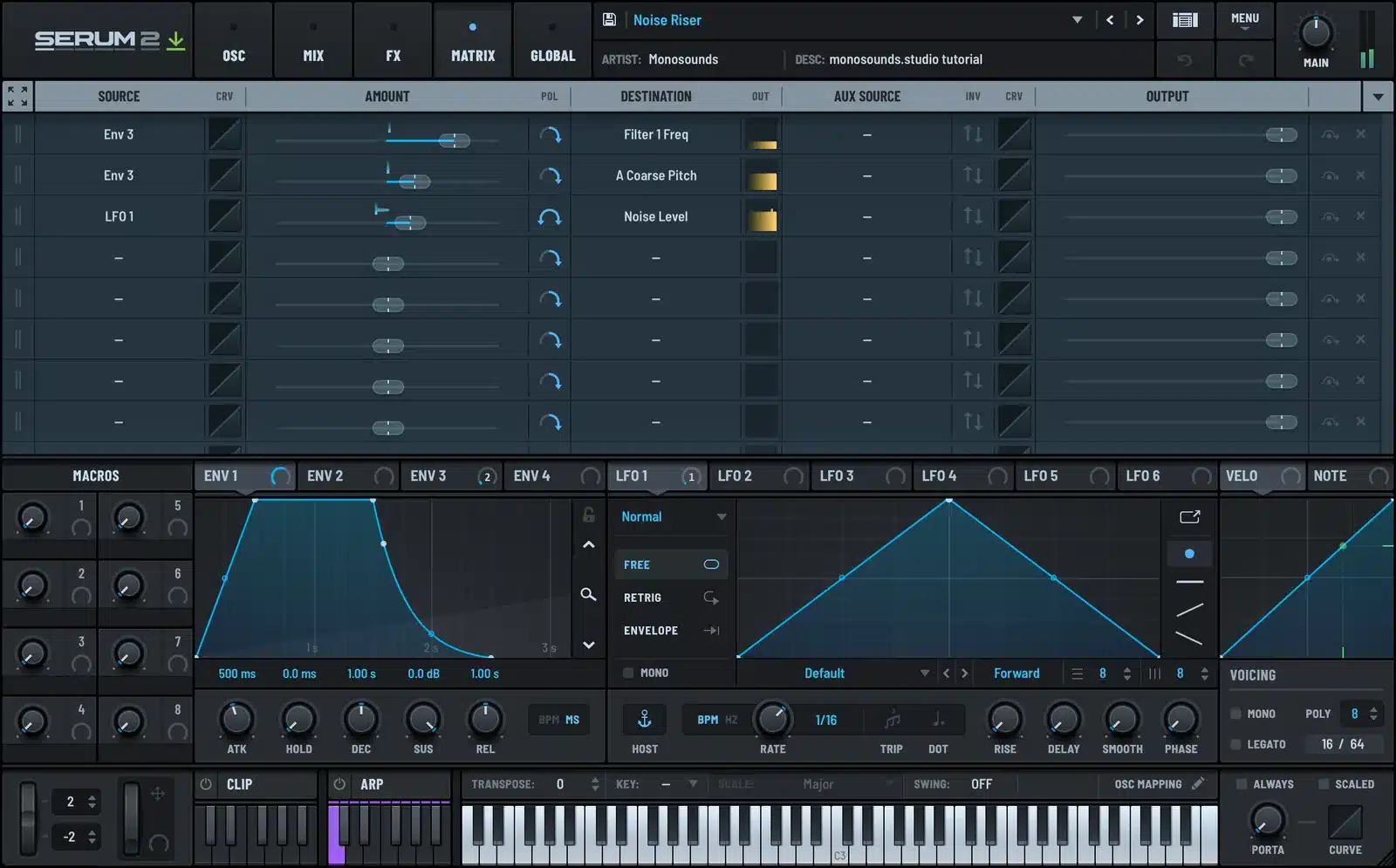
Skip the samples and use Serum 2’s noise oscillator. Run it into a bandpass and sweep the cutoff up over 8 or 16 bars. Follow with a long reverb, then automate the filter on the reverb return as well. Congratulations, you’ve just built most of every riser this genre has ever used.
Tempo, groove and arrangement
130–136 BPM. Drop under 130 and the energy starts reading as tech house; go past 138 and you’re in hard techno, where the bass design is a different conversation entirely.
Keep the groove straight. Swing near zero: 2 percent absolute maximum. The push comes from the offbeat bass and from percussion landing slightly behind, not from quantise settings.
An arrangement habit that pays: build the whole track as one loop, then subtract. Get the drop working with everything running, then carve the intro and breakdown out of it by removing parts instead of writing new ones. A typical peak time track runs 6–8 minutes: one main breakdown near the middle, plus a shorter second drop at the end so DJs have something to mix out of.
One hook, one riff. Got two ideas? That’s two tracks.
Mixing notes for peak time techno
Below 120 Hz, everything stays mono. Kick and bass live in that space together, and any stereo content down there falls apart on a club system.
Sidechain the bass against the kick with a fast release: 60 to 90 ms. The bass has to duck and recover within the same eighth note, not pump its way across the bar.
Carve room in the leads and stabs. A wide, shallow cut around 200–400 Hz on both makes space for the kick’s body and stops the midrange from choking.
Loudness lives in the kick and bass, not in the master limiter. If your track only feels big once the limiter is on, the low end isn’t tight enough yet. Listen at around -14 LUFS and ask whether it still hits.
Common mistakes
Too many elements. The beginner instinct is to add a pad, a counter melody, a second bass. Peak time is kick, bass, one hook, percussion, noise. Strip it until it hurts, then strip one more thing.
Bass tail too long. When the offbeat bass rings into the next kick, the whole low end goes muddy. Fix the MIDI note length; shortening the release alone won’t do it.
Detuning the bass. Unison on a peak time bass buys you width and costs you power. Detune belongs on the lead.
Only mixing quietly. This music was made to be played loud. At least once, check it loud on the biggest speakers you can reach.
When you outgrow the freebies
These 15 patches were designed in the same sessions as my Serum 2 preset bundles, whole genre collections priced below the sum of the individual packs.
Curious where this same approach lands in other styles? The full Serum 2 preset catalog has the rest.
FAQ
Do these presets work in Serum 1?
No. They run on the Serum 2 engine. Serum 2 is a free update for anyone who owns Serum 1, so it’s usually a five-minute fix.
Are the presets really royalty-free?
Yes. Releases, client work, tracks you sell, no credit needed. The one thing off limits is reselling the presets themselves.
Can I use them in any DAW?
Any host that runs Serum 2 as VST3 or AU: Ableton, FL Studio, Logic, Cubase, Studio One, Bitwig.
What BPM should peak time techno be?
130–136 BPM covers nearly everything released in the style. Not sure? 132 is the safe middle.
My bass disappears whenever the kick hits — what is wrong?
Two usual suspects: a sidechain release that’s too long, or kick and bass both fighting over the 50–60 Hz range. Start by pulling the release under 90 ms, then shift the bass note away from the kick’s fundamental pitch.

I run Monosounds.studio and make the packs myself. Ten-plus years of producing, 97+ releases, 16,000+ downloads. Every Serum 2 preset we ship passes a CPU check on a mid-range laptop and gets used in a real track before release. If it does not survive a mix, it does not go in the pack.
More about Maxim & the studio →

