Every producer I know began exactly the same way: sitting in front of an empty DAW project with zero idea what comes next. Same here. This guide is the thing I wish somebody had handed me back then — which gear actually matters, what to skip, and how to get your first track finished instead of abandoned at the halfway mark.
You don’t need a studio, a degree in music, or pricey plugins. What you need is the computer you already own, a free or cheap DAW, and a few honest habits. Here’s the whole path.
What music production actually is
Music production covers the entire trip from idea to finished track: writing, recording, arranging, mixing and mastering.
In a commercial studio, those are different people’s jobs. The producer steers the creative direction. A recording engineer captures clean takes. A mix engineer balances levels, panning and EQ until everything sits together. A mastering engineer applies the final polish so the track works on earbuds, in a car and on a club system.
Produce at home and you’re all of them at once. Sounds heavy, but it’s actually the fun part. Every decision is yours, and modern software carries most of the technical weight anyway.
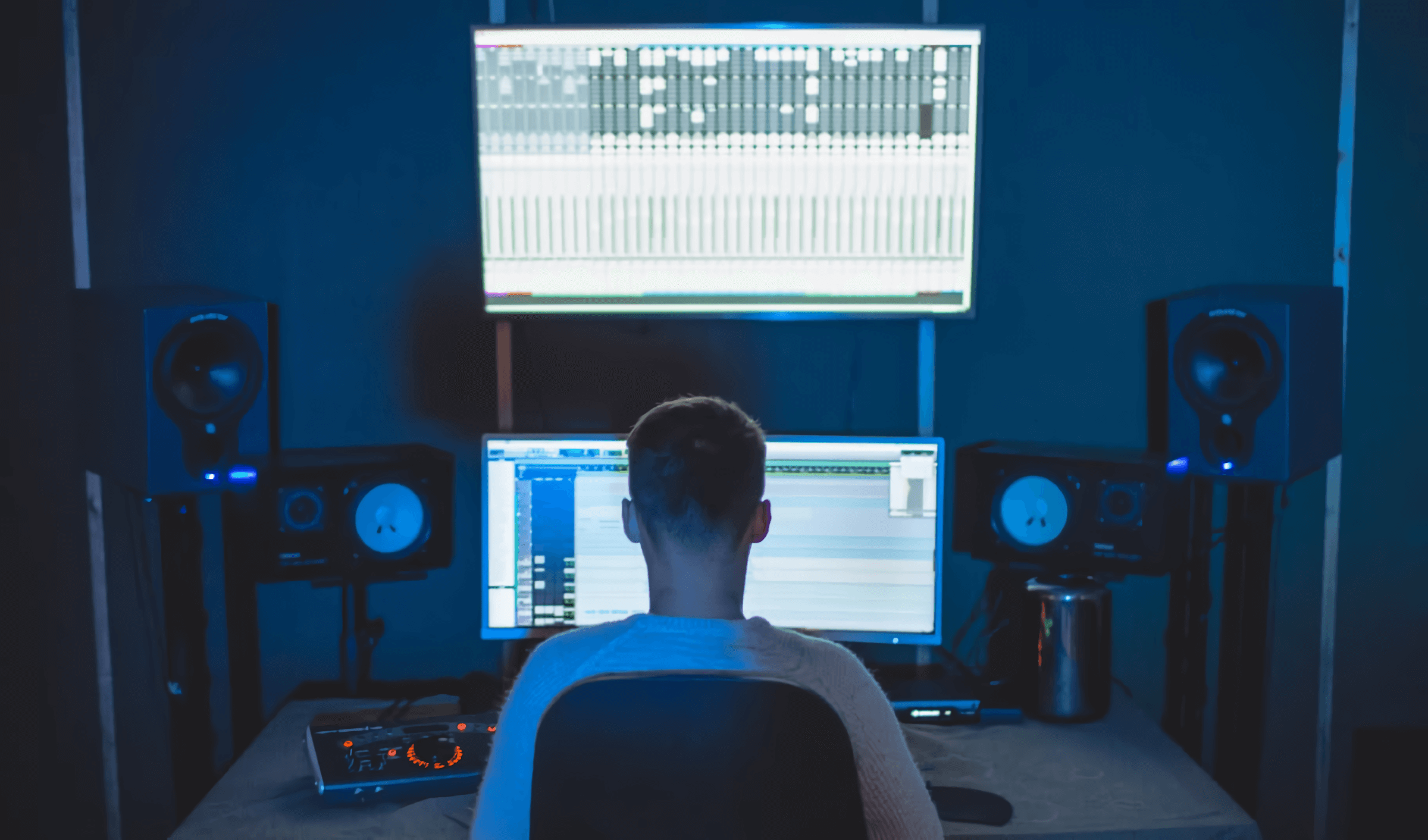
The gear you need (it’s less than you think)
The honest starter list for 2026:
- A computer you already have. Any laptop from the past five or six years runs a beginner project without complaint. 16 GB of RAM is comfortable; 8 GB is fine if you freeze tracks. Do not buy a new machine to get started.
- A DAW. The software where it all happens. On Mac, GarageBand is free and genuinely good. On Windows, Cakewalk costs nothing, and the FL Studio trial gives you every feature. Ready to spend? Ableton Live, FL Studio and Logic Pro are the big three; choose by workflow, never by what your favorite artist uses. The same records get made in all of them.
- Headphones. One decent pair of closed studio headphones outperforms cheap speakers in an untreated room. The usual picks are the Audio-Technica ATH-M50x or Beyerdynamic DT 770 Pro, both around $150.
That’s the list. The rest is optional early on:
- MIDI controller. A small keyboard like the Akai MPK Mini or Novation Launchkey Mini (roughly $100) speeds up playing chords and melodies, but drawing notes with a mouse works for months. It’s what I did.
- Audio interface. Only needed once vocals or guitar enter the picture. The Focusrite Scarlett Solo or 2i2 is the standard first buy.
- Studio monitors. Hold off until you have a treated room or at least a real desk setup. Good monitors in a bad room lead to worse decisions than headphones do.
Plenty of producers with millions of streams started on a laptop running stock plugins. Whatever’s stopping you, it isn’t the gear.
Learn just enough music theory
You don’t need a theory course to begin. Four concepts will do:
- Rhythm: the grid of hits and silences that makes people nod along. Begin with a plain kick-snare pattern at 90 BPM (hip-hop) or 124 BPM (house) and grow it from there.
- Melody: a run of single notes people can remember. Early melodies should live inside one scale and one octave. Short and repetitive wins over long and clever.
- Harmony: the chords underneath the melody. Learn one workhorse progression before anything else: in A minor, try Am–F–C–G. An absurd number of hits run on it.
- Arrangement: how the sections flow: intro, verse, chorus, bridge, outro. Borrow the structure of a track you love before you try inventing your own.
A practical cheat: park yourself in one minor key (A minor has zero sharps or flats), switch on your DAW’s scale highlighting, and wrong notes become impossible. Depth can come later. Momentum comes first.
Making sounds: synths, samples and presets
Beginners in 2026 have it far easier here than I ever did.
Synths. Most modern electronic sounds start life in software synthesizers. The most popular is Xfer Serum 2: the 2025 update came free for Serum 1 owners and turned it into a complete sound-design workstation: three oscillators, five engines including granular and spectral, new FX buses, a built-in sequencer. If that reads like a lot, it is; my Serum 2 for beginners guide takes it step by step.
Designing from scratch isn’t mandatory, though. Presets exist precisely so you can make music on day one and pick up sound design by reverse-engineering patches you like. That’s the whole reason we give away a free pack of 271 Serum 2 presets: load one, see what the knobs are up to, tweak until it breaks, undo. That loop teaches faster than any tutorial ever will.
Samples. Sampling, building tracks out of pre-recorded audio, is standard practice in every genre. Good drum one-shots instantly cure the most common beginner ailment (weak, thin drums); something like Drums Utopia Vol.1 covers kicks, snares and loops across genres, and Hip-Hop Essentials handles it if beats are your thing. Drag in a loop, chop it, pitch it, layer it; that’s how most beats get made.
MIDI packs. If chords and melodies are where you struggle, MIDI packs are cheat codes you’re fully allowed to use: pull a progression into your DAW, swap the sound, edit the notes, and figure out why it works. Emotional MIDI Chords & Melodies Vol.1 is a solid starting point for modern pop and trap writing.
Recording. When vocals or guitar finally come up, one dynamic mic like the Shure SM58 in a quiet room takes you surprisingly far. And before buying acoustic panels, record inside a closet full of clothes — soft material kills room echo for free.
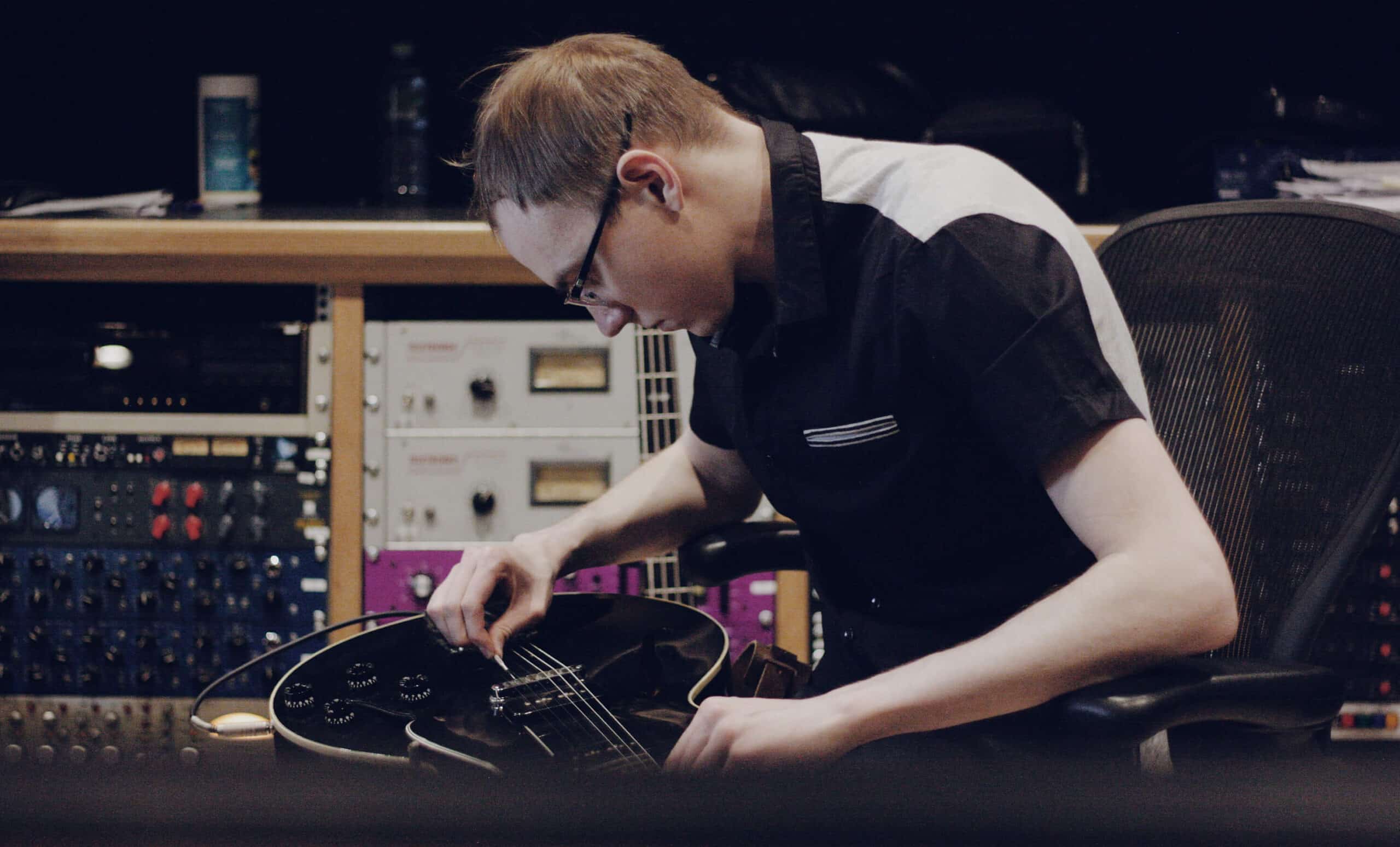
Arranging and mixing your first track
Arranging means shaping your ideas into a structure that holds attention. The beginner recipe: build an 8-bar loop you genuinely love, copy it out across 3 minutes, then start subtracting. Kill the drums for the intro. Pull the bass right before the chorus. Introduce one new element every 8 bars. The whole game is contrast: a chorus only feels big when the verse is smaller.
Mixing means making everything audible at once. A handful of rules carry you a long way:
- Balance faders first. Rough the mix out with volume and panning alone, before opening a single plugin. Keep the master peaking near -6 dB for headroom.
- Cut, don’t boost. When two sounds fight, EQ-cut one where the other lives. High-pass pads, guitars and vocals around 80–120 Hz so kick and bass have the low end to themselves.
- One reverb, shared. Send several tracks into a single reverb rather than giving each its own. Instant glue, far less mud.
- Reference constantly. A/B against a professional track in your genre at matched volume. Humbling, and it works.
- Take breaks. After 45 minutes your ears start lying. Ten minutes of silence resets them.
Finishing and exporting
Mastering is the final processing pass (EQ, compression, limiting) that brings a track up to commercial loudness and makes it translate everywhere. For your first few tracks, keep it minimal: a limiter on the master, roughly -8 to -10 LUFS integrated for club genres or -10 to -14 for softer styles, and check it still sounds clean rather than crushed. Streaming platforms normalize to around -14 LUFS regardless, so louder buys you nothing automatically.
Before declaring it done, play it on at least three systems: headphones, a phone speaker, a car. Each one exposes its own set of problems.
Export basics:
- WAV, 24-bit for distribution and archiving: lossless, and every distributor takes it.
- MP3 320 kbps for quick shares and demos.
- Fill in the metadata (artist, title) at export so the track carries its credits wherever it goes.
Shortcuts that actually speed up learning
Things I’d tell my beginner self:
- Finish ugly tracks. Ten finished bad tracks teach more than one eternal work-in-progress masterpiece. Make it a rule: every project gets exported, no exceptions.
- Remake tracks you love. Drop a favorite song into your DAW and rebuild it by ear. Arrangement, sound selection and mixing, all in one exercise.
- Reverse-engineer presets. Open a patch, move one knob at a time, listen. There’s an entire guide to free Serum 2 presets if you want more material to pull apart.
- Avoid the classic traps. Endless gear research, 40 half-finished loops, weeks of mixing before the song exists. The worst offenders are collected in this list of beginner mistakes, and most of them apply to production generally.
FAQ: starting music production
Do I need to play an instrument to produce music?
No. A DAW lets you draw notes by mouse, quantize sloppy playing, and lean on MIDI packs for chords and melodies. Basic keyboard skills are worth picking up along the way, sure, but plenty of successful producers can’t perform anything live.
How much does it cost to start producing music?
Possibly $0 if a computer is already sitting on your desk: GarageBand or Cakewalk plus stock plugins and free presets is a legitimate setup. A comfortable realistic start runs $150–300 — solid headphones plus either a DAW license or a small MIDI keyboard. Anything past that is optional for the first year.
Which DAW is best for beginners in 2026?
Whichever one you’ll actually open. FL Studio has the beginner-friendly reputation for beats, Ableton Live shines for electronic music and live workflow, Logic Pro is the best value on a Mac. All of them export identical-quality audio; demo two or three and keep the one that feels natural in your hands.
How long until my tracks sound professional?
Practicing regularly, expect a first listenable track within a few months and genuinely solid work in one to two years. Talent matters less than the count of tracks you finish. One completed track per month beats daily tinkering that never gets exported.
And that’s the full path: modest gear, a little theory, sounds you like, and the discipline to finish things. For a head start on the sound side, grab the 271 free Serum 2 presets: load them, break them, learn from them, then go make your first track.

I run Monosounds.studio and make the packs myself. Ten-plus years of producing, 97+ releases, 16,000+ downloads. Every Serum 2 preset we ship passes a CPU check on a mid-range laptop and gets used in a real track before release. If it does not survive a mix, it does not go in the pack.
More about Maxim & the studio →

