Beats and sound packs are how I pay my rent, and honestly the core routine hasn’t moved in years: settle on a tempo, lay down drums, write a melody and a bassline, mix the thing, release it. The tools are what changed. In 2026 a laptop, free software and a folder of decent samples is enough to get a beat all the way to release.
Below is the entire process, one step at a time. I wrote it with beginners in mind, but I’ve dropped in the real settings and numbers from my own sessions, so even if you have a few beats under your belt there should be something useful here.
There’s a story from the older version of this article I refuse to cut: the drums on Led Zeppelin’s “When the Levee Breaks” were tracked in a stairwell, mics dangling a couple of floors above the kit. Great beats have always started with an idea, and gear came second. Hold onto that while you’re reading about plugins.
Step 1: Pick a DAW
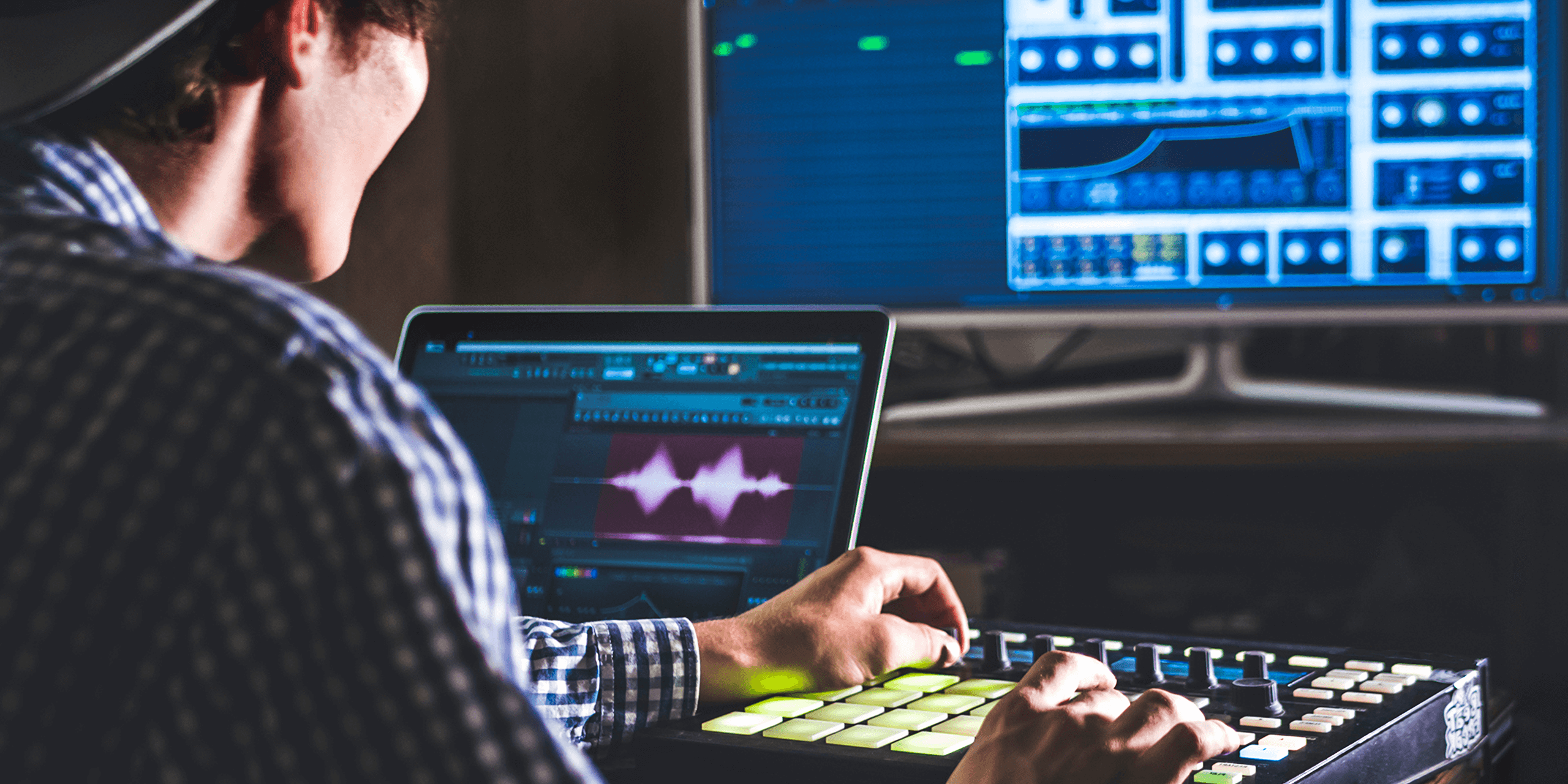
Everything happens inside a DAW (digital audio workstation): drums, melodies, mixing, the final export. Every modern DAW can handle every genre. So choose one, actually learn it, and quit hopping between them.
FL Studio
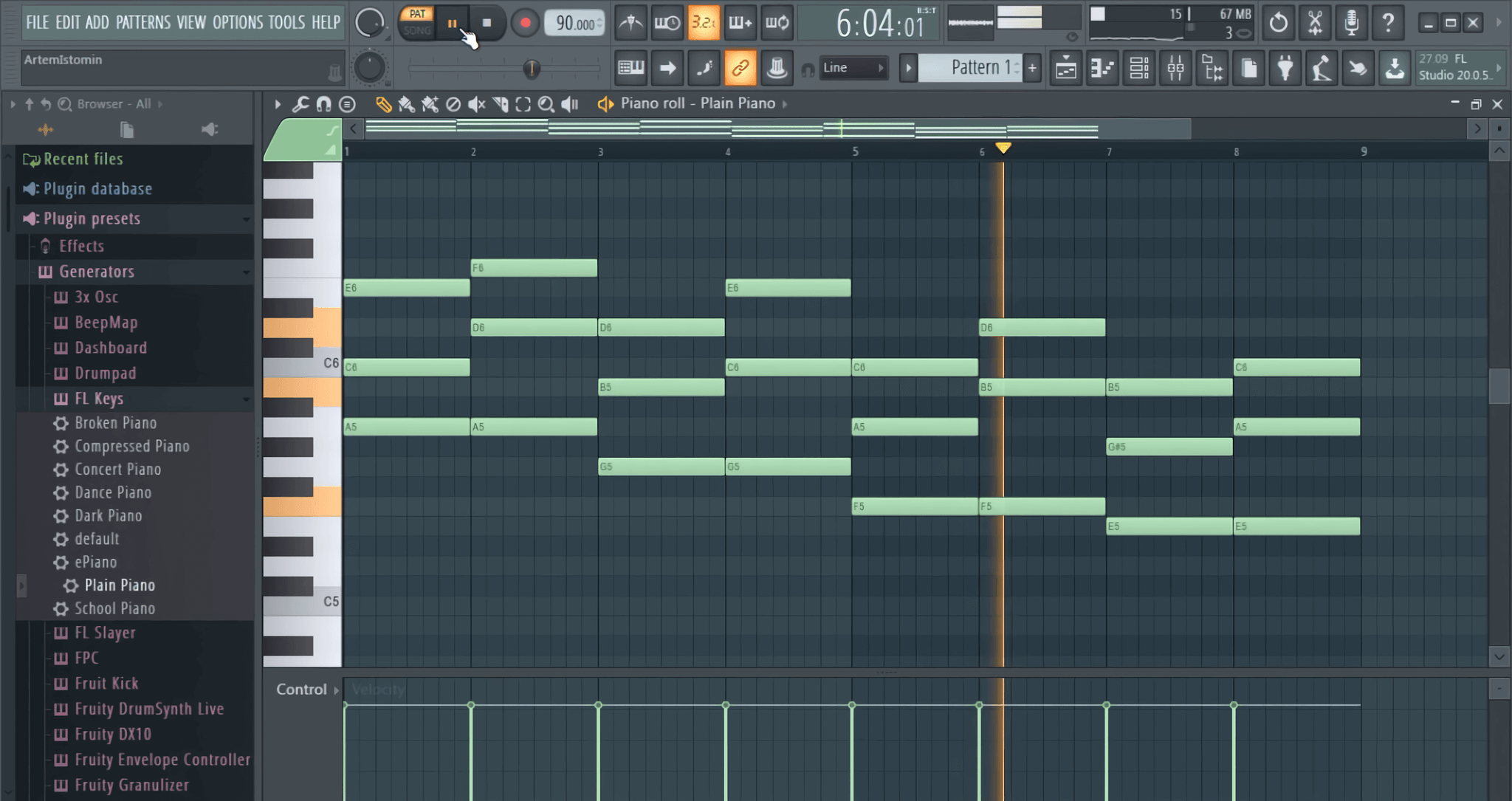
For hip-hop, trap and drill, FL Studio remains the obvious pick. Drum programming flies in the step sequencer, and you pay once thanks to lifetime free updates. Professional records come out of it every single week, so anyone calling it a toy can be safely ignored.
- Pros: no DAW programs drums faster, lifetime free updates, an ocean of tutorials.
- Cons: if you’re arriving from another DAW, the playlist and mixer routing feel odd for a while.
Ableton Live
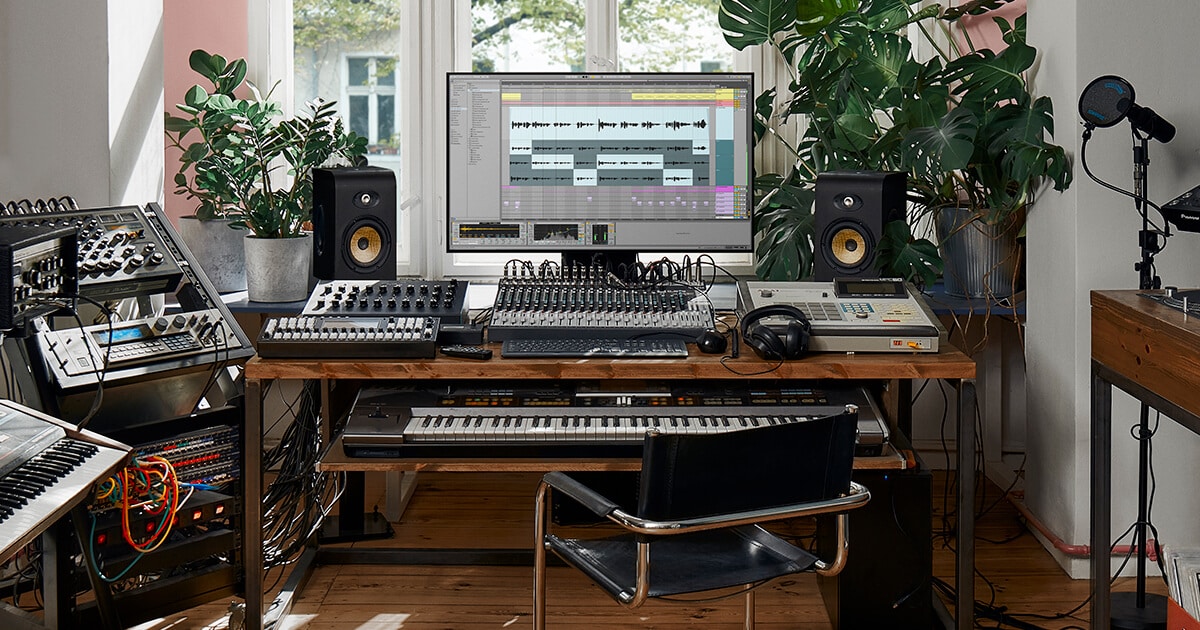
For electronic music Ableton Live is the standard: house, techno, future bass, anything you might perform live. Session View means you can jam with loops before locking in an arrangement, and sample flipping goes quickly with Drum Rack and Simpler.
- Pros: Session View makes sketching easy, the built-in devices are excellent, and it’s built for live sets.
- Cons: Suite costs real money, and on day one the interface can scare people off.
Logic Pro
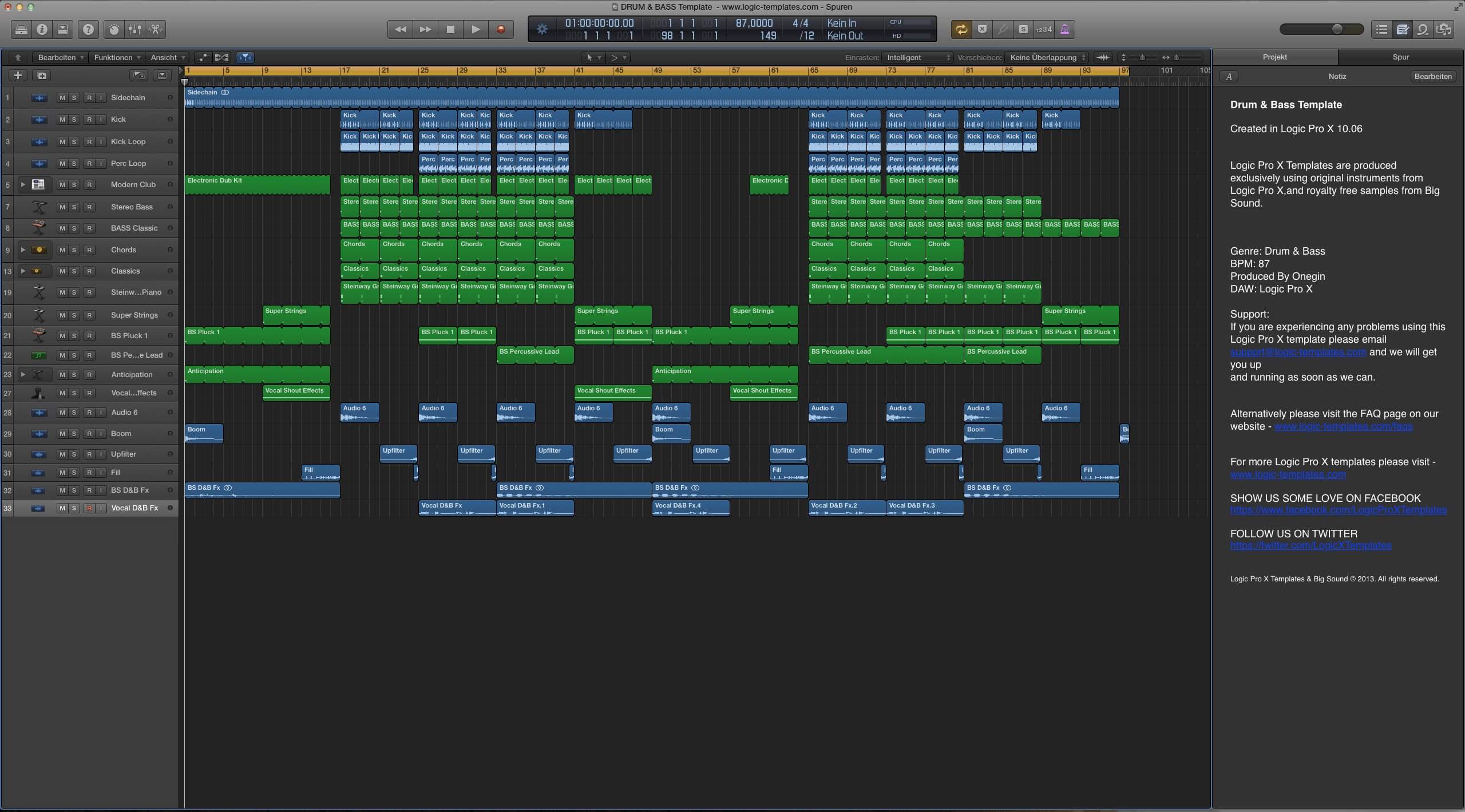
Logic Pro is Apple’s own DAW: Mac only, single payment. Nothing else gives you this much stock content for the price: solid drum kits, a genuinely usable sampler, and mixing plugins you won’t outgrow quickly.
- Pros: enormous stock library, pay once, plays perfectly with macOS.
- Cons: Mac only. Windows users need to look at something else.
Cubase, Reason and free options
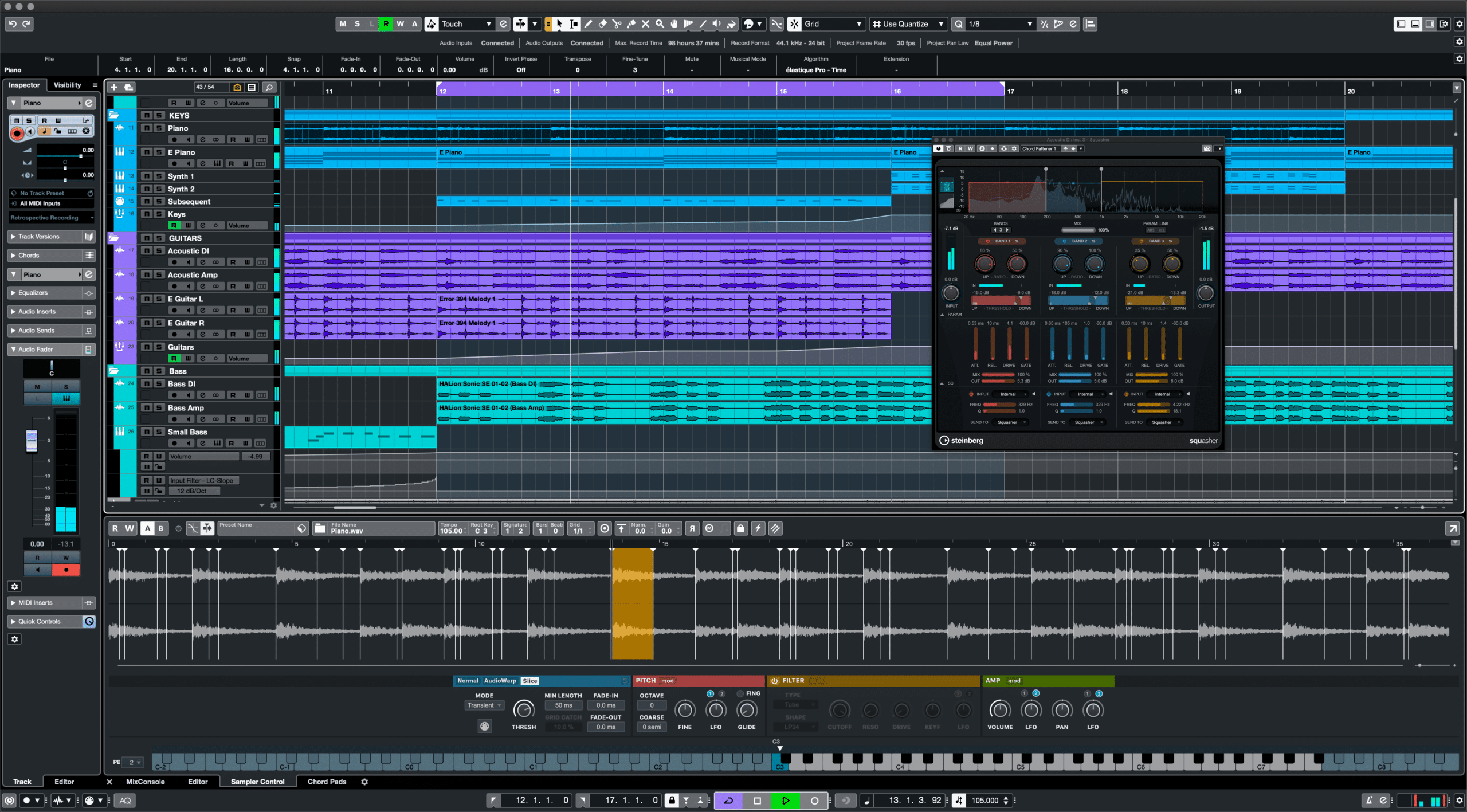
Cubase is a serious professional DAW with deep MIDI editing, and composers love it. Reason offers a playful rack-style workflow and these days can even load as a plugin inside another DAW. Not ready to spend money? Start on a browser DAW’s free tier or grab trial versions; everything listed above has one. Hold off on buying until a trial has frustrated you into needing more.
Step 2: Get your instruments and sounds
The DAW is your kitchen. What you need next is ingredients: samples, virtual instruments, and something to play them on.
Samples
Samples are sounds someone already recorded: drum one-shots, melody loops, textures. They get you to a good-sounding beat fastest because the recording and processing happened before you showed up. One tight kick and snare from a properly made pack will outdo an hour spent fixing a bad one. If you’re doing hip-hop or trap drums, I’d begin with something like Drums Utopia Vol.1 or the Ultimate Drill & Trap Drum Kit. Both come from sounds we use in our own demos.
VST plugins and synths
VST plugins are the instruments and effects that live inside your DAW. If I could make every beatmaker learn one synth, it’d be Xfer Serum 2. The 2025 update came free for Serum 1 owners and basically rebuilt it: three oscillators, five sound engines (granular and spectral included), fresh FX buses, plus a sequencer built right in. New to it? My Serum 2 beginner guide walks through the layout, and once preset packs start piling up you’ll want to know how to install Serum 2 presets. Two minutes, tops.
On the free presets page we hand out a big starter bank of 271 free Serum 2 presets. Pair that with stock drums and you honestly have enough for your first fifty beats.
MIDI controllers
You don’t need a MIDI keyboard, but melodies show up faster on a cheap 25-key controller than they do clicking notes in with a mouse. For drums, pad controllers do the same job. Buy secondhand; a new one helps nobody.
Step 3: Build the drum pattern
Drums are the beat’s skeleton. Nail them and even a mediocre melody holds up. Blow them and nothing rescues the track.
Pick a tempo first
Before a single note plays, tempo has already declared the genre. Some rough 2026 reference points:
- Boom bap / classic hip-hop: 85–95 BPM
- Trap: 130–160 BPM (feels half-time, so it grooves like 65–80)
- Drill: 140–145 BPM
- Lo-fi: 70–90 BPM
- House / tech house: 120–128 BPM
- Techno: 128–135 BPM
- Drum and bass: 170–175 BPM
Program the core pattern
Three elements to start: kick, snare (or clap), hi-hats. Most genres put the snare on beats 2 and 4. Where the kick goes is where the genre lives: four-on-the-floor if it’s house, syncopated around the 808 if it’s trap. Hats occupy the gaps: straight eighths in house, sixteenth grids full of rolls and triplets in trap and drill.
Two settings turn robotic drums human almost instantly: swing and velocity. For hip-hop grooves push swing up to roughly 55–60%, and change your hi-hat velocities so no two consecutive hits match. Nothing screams “beginner” louder than a hat pattern where every hit has the same velocity.
The 808 is a drum and a bass at once
In trap and drill your low end IS the 808, which means it must be tuned to your melody’s key. An untuned 808 is the second-loudest beginner tell. Grab one-shots labeled by note, like The Best 808 Vol.1, or use a synth 808 you can play chromatically. Prefer to build your own? I put together a full walkthrough on making 808 bass in Serum 2.
Step 4: Add melody, chords and bass
The melody is what makes a beat recognizable. There are three honest ways to get one, and working pros lean on all three.
Play it in. Choose a minor scale (A minor skips the black keys, a good place to start), let your drums loop, and search for a 4- or 8-bar phrase. Simple and repetitive wins over busy and clever, every single time.
Use MIDI packs. A MIDI file hands you the notes of a complete melody or chord progression; drag it onto any instrument, swap the sound, move notes around, make it yours. No faster way exists to learn what good progressions are made of. Something like Trap MIDI Vol.1 is precisely that: melodies to study, bend and reuse.
Flip samples. Take a melody loop, chop it, shuffle the slices, pitch and filter them. The loops inside sample packs come cleared for commercial use, while random records you’d have to clear yourself.
Whatever route you pick, make the arrangement breathe: 8 intro bars, pull an element out ahead of the hook, bring it back on a fill. Two static, unchanging minutes gets your beat skipped at 0:45.
Step 5: Sound design and effects
Effects are the seasoning, not the meal. You’ll reach for these three on every beat:
- EQ. Cut first, boost later. High-pass everything but the kick and 808 somewhere around 100–200 Hz to keep the low end clean. Mix sounding muddy? Something is hogging 200–400 Hz.
- Reverb. This is your depth and space. Drums get short rooms; melodies get longer plates or halls. Run sends to a bus, high-pass the reverb return near 300 Hz, and set it quieter than feels right.
- Filters. No transition in music is cheaper than a low-pass or high-pass sweep. Automate one across 4 bars heading into the drop and suddenly it sounds deliberate.
If Serum 2 is where you build sounds, the FX bus system genuinely changed my approach to layering effects; the full breakdown is in my Serum 2 effects guide. And here’s the rule that has outlived every rewrite of this article: unsure about an effect? Remove one instead of adding one.
Step 6: Mixing and mastering
With the arrangement done, mixing gets the elements sitting together properly, and mastering turns the final file into something loud and consistent on every system.
Mixing
Begin with faders alone, zero plugins. Kick and 808 on top, snare right below them, melody tucked behind the drums, hats lower than you’d expect. Keep roughly 6 dB of headroom on the master. Then bring in processing: EQ to carve out space, a slow-attack compressor pulling 2–4 dB to glue the drums, and sidechain the 808 against the kick (2–4 dB of ducking) so the bottom end doesn’t collapse into mud.
Mastering
For a self-released beat, a modest chain does the job: gentle EQ, a glue compressor working 1–2 dB, limiter last. Streaming services normalize around -14 LUFS, yet most beatmakers still push hip-hop and club masters to about -8 to -10 LUFS so they stand next to commercial references. Always check the result in mono and through your phone speaker, because that’s where the problems live.
And if one track truly matters, paying a mixing engineer for a single song is a perfectly legitimate play. Comparing their version against yours is a lesson in itself.
Step 7: Put your beats out
A finished beat rotting on a hard drive makes zero money. Here’s what’s actually working in 2026:
- Beat stores. Artists looking to lease beats go to BeatStars and Airbit. Uploading consistently with searchable titles (“type beats”) still beats being clever.
- Short video. TikTok, Reels and YouTube Shorts are now the top of the funnel. A 20-second cookup clip wins against a static beat upload nearly every time.
- YouTube. Still your long-term library. Steady uploads compound slowly, but they compound.
- Collaboration. Nothing grows your audience faster than working with artists and other producers. Send stems, be pleasant to deal with, hit your deadlines.
- Streaming platforms. Spotify, Apple Music and Bandcamp through a distributor. That’s the route if you’re releasing finished instrumentals instead of leasing.
FAQ: how to make beats
What BPM should my beat be?
Follow the genre: 85–95 for boom bap, 130–160 for trap, 140–145 for drill, 120–128 for house. None of this is law. Drift 5 BPM in either direction and nobody cares — but the groove clicks faster when you start inside the expected range.
Can I make beats completely free?
Yes. Between free DAW tiers or trials, stock plugins and free sound packs, your first months are covered. Our free Serum 2 808 presets plus the bigger free bundle handle bass and synth work without costing a cent. Only upgrade a tool once it’s actually limiting you.
How long does it take to learn beatmaking?
Your first decent beat should land within a few weeks; beats you’re honestly proud of take 6–12 months of steady practice. Finishing is the biggest accelerator by far: ten finished mediocre beats will teach you more than one perfect loop you never complete.
Do I need music theory to make beats?
Barely. Know the minor scale, know what a chord is, and borrow progressions from MIDI packs while figuring out why they work. Plenty of hit producers can’t read a note of sheet music, yet every one of them understands rhythm and repetition, though.
Wrapping up
A beat boils down to seven steps you can repeat forever: DAW, sounds, drums, melody, effects, mix, release. None demand expensive gear, and each one speeds up with every beat you finish. So finish beats — ugly ones, short ones, strange ones — and let sheer volume teach you.
Want a head start on sounds? Grab the 271 free Serum 2 presets we assembled. Free, covers basses, keys, leads and 808s, and it’s exactly the starting kit I’d hand any producer on day one.

I run Monosounds.studio and make the packs myself. Ten-plus years of producing, 97+ releases, 16,000+ downloads. Every Serum 2 preset we ship passes a CPU check on a mid-range laptop and gets used in a real track before release. If it does not survive a mix, it does not go in the pack.
More about Maxim & the studio →

