Short version first: pretty much any 64-bit computer built in the last eight years or so handles Serum 2 fine for everyday work. It comes as VST3 and AU, is native on Apple Silicon, and runs on current Windows and macOS. For exact OS version numbers, go to the official page at xferrecords.com — better to point you there than quote figures that will age badly.
The question worth asking is different: what happens once a project gets big. No spec sheet answers that, which is why it’s what most of this article covers.
Why the official specs don’t tell you much
There’s no fixed CPU number for a synth. One Serum 2 patch idles at a couple percent while the next one chews through a third of a core. It’s the patch that decides, not the plugin.
So “will my laptop run Serum 2” actually translates to “how many heavy patches stack up before the audio starts crackling”. A single instance of anything runs on nearly any machine. The wall tends to appear somewhere between instance six and ten.
What actually eats CPU
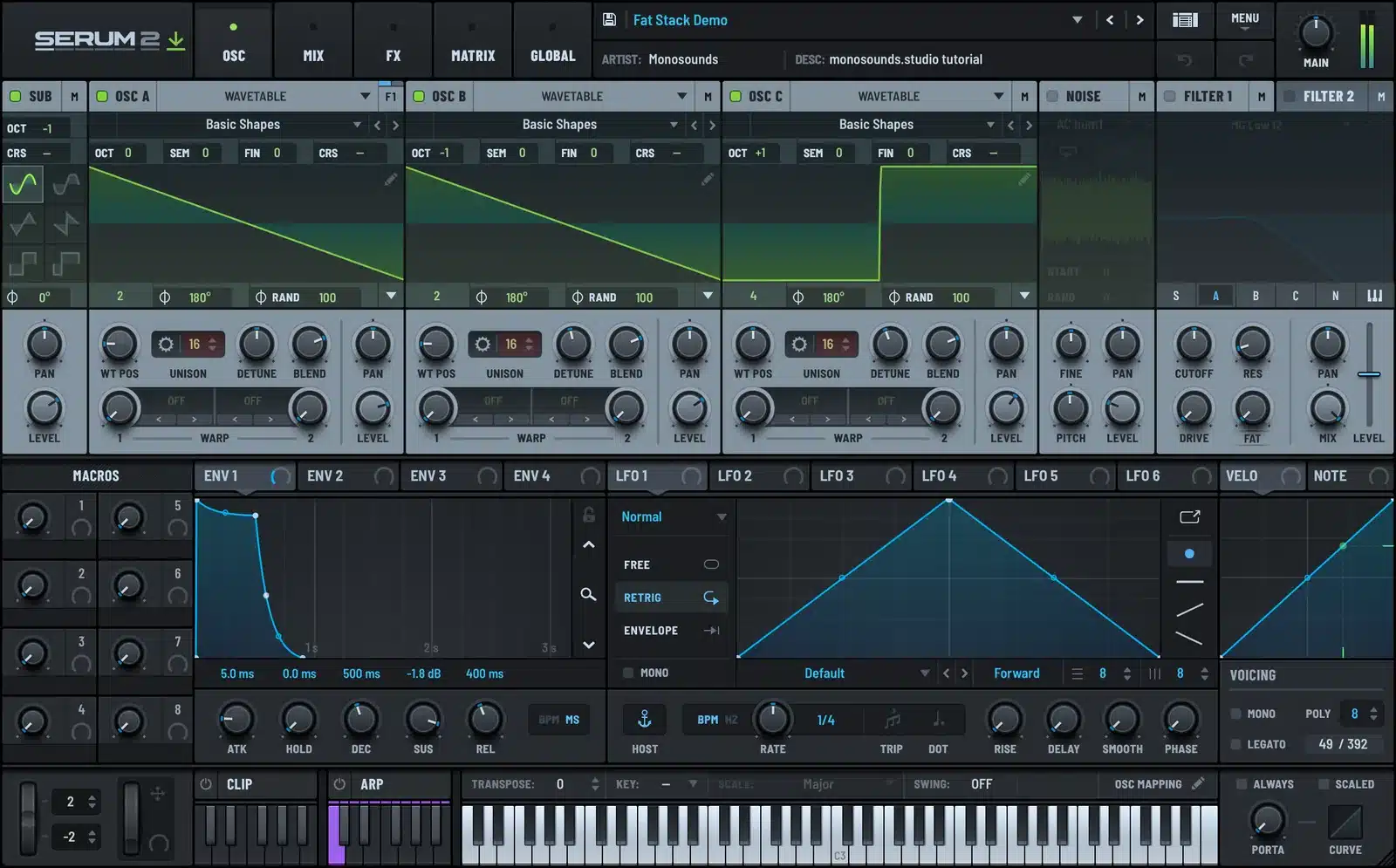
- Unison. Sixteen unison voices equals sixteen oscillator copies per note. Hold a four-note chord and 64 oscillators are being computed. In most EDM presets this is expense number one.
- Polyphony. Voices with long releases keep running after the keys are up. Busy chords over a pad with a four-second release can quietly stack 20+ live voices.
- Granular and spectral oscillators. The newer engines cost more than straight wavetable playback. They earn it, but plan for it.
- The effects chain. A reverb inside every single instance piles up quickly, especially next to one shared reverb sitting on a return track.
Here’s a fix almost nobody bothers with: drop the polyphony limit inside the patch itself. A pluck rarely justifies more than 8 voices, and in a mix the voice stealing can’t be heard.
How to test your machine before spending money
Measure instead of guessing. Download our free Serum 2 presets, pull up the thickest pad in there, and keep duplicating the track until playback falls apart. Reaching eight instances at a 256-sample buffer means your machine handles real projects without drama.
No requirements page beats that test, because it runs on your CPU, in your DAW, with actual musical material.
Running Serum 2 on an older laptop
- Push the buffer size up. Track at 128 or 256 samples, then mix at 512 or 1024. Latency only bites while you’re playing parts in, so make the switch late in the project.
- Keep the plugin window closed unless you’re editing. Redrawing those spectrum and wavetable displays costs more than most people assume.
- Use a single reverb on a return track rather than one baked into every instance.
- Trim unison anywhere you honestly can’t hear it in context. 16 voices down to 7 often vanishes completely inside a full mix.
If that list runs out, I went deeper on the whole subject in Serum 2 CPU optimization.
Freeze early, not as a last resort
The one habit that rescues weak machines: freeze or bounce each track the moment its part is written. Leave the MIDI muted underneath for when you want to revisit. What most producers do instead is wait until the project is already crackling, panic-freeze everything, and lose the flow.
On a modest laptop I approach Serum 2 like a recording session: print the sound, keep moving. As a side effect it forces commitment, which quietly helps tracks get finished. And if commercial presets are your foundation, the Serum 2 preset bundles work out cheaper long-term once the freebies stop being enough — the CPU advice stays the same either way.
RAM, disk, and what barely matters
Preset files are tiny, basically text-sized, and even the sample content stays modest. 8 GB of RAM gets by, 16 GB feels comfortable. For the synth itself, disk speed changes nothing. You could buy every Serum 2 pack we make and your drive still wouldn’t notice.
For one heavy patch, single-core speed beats core count, since a voice chain executes on one core. A pile of slower cores helps when you’re running many instances, not when one monster patch is the problem.
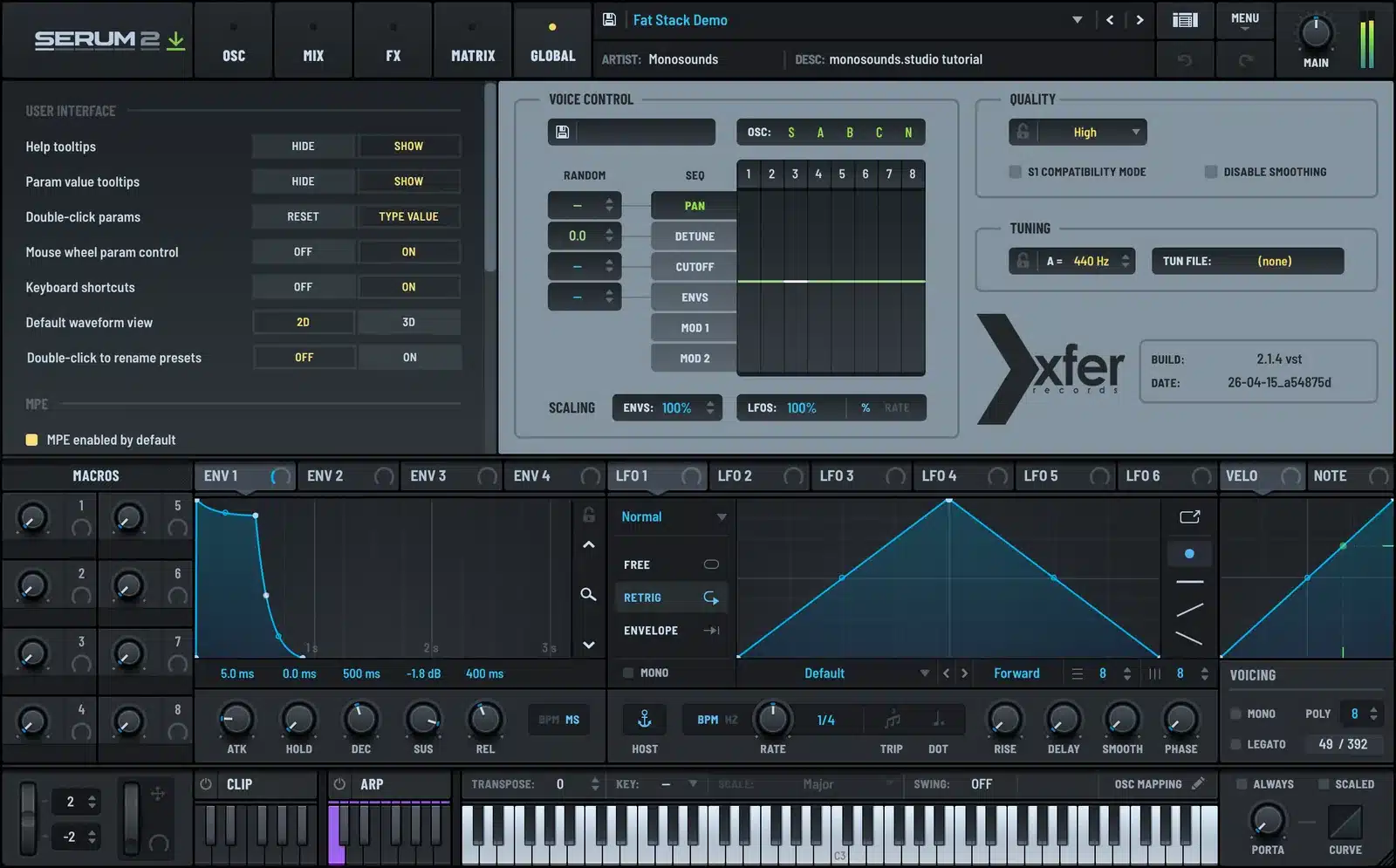
One closing gotcha: installer finished fine but the DAW can’t find the plugin? That’s a scan path issue, nothing to do with hardware — the fix list lives in Serum 2 not showing up in your DAW.
FAQ
Does Serum 2 run on Apple Silicon Macs?
Yes, natively. No Rosetta involved, provided the DAW itself also runs native.
How much RAM does Serum 2 need?
8 GB is workable, 16 GB is comfortable. For this synth, CPU matters a great deal more than RAM.
Why does Serum 2 crackle on my machine?
Most often a buffer set too small, or a patch loaded with heavy unison and long release tails. Raise the buffer first, then cut back unison and polyphony.
Can a 2016-era laptop run Serum 2?
Usually yes, for a handful of instances at a time. Freeze tracks as you go and full projects stay workable.
So skip the anxiety over the requirements page. Any computer that was decent when you bought it will run Serum 2. The real difference between machines is how early the freezing starts, not whether the thing works at all.

I run Monosounds.studio and make the packs myself. Ten-plus years of producing, 97+ releases, 16,000+ downloads. Every Serum 2 preset we ship passes a CPU check on a mid-range laptop and gets used in a real track before release. If it does not survive a mix, it does not go in the pack.
More about Maxim & the studio →

